JSON, YAML, CSV, and Markdown all express "text-based data with some structure," but each was designed for a different job. Use CSV for a config file and the structure stays flat. Use YAML for an API payload and you lose the strictness you wanted. Store tabular data in JSON and every row carries its keys twice. Use Markdown as a primary data store and you have to re-derive the structure later. Choosing the wrong format costs you tooling, validation, and developer time.
This article is a one-page cheatsheet for "which format should I use." It starts with a quick decision matrix, then walks through feature comparison, comment support, parser ecosystem, use-case decision matrix, common bad choices, LLM context selection, and the spec references — so you can answer the format question without leaving the tab.
Quick decision matrix — pick a format
If you only read one table, read this one.
| Use case | Recommended format | Why |
|---|---|---|
| REST API request / response | JSON | Strict, available in every standard library |
| Kubernetes / GitHub Actions / Docker Compose | YAML | Comments, anchors, and human-friendly indentation |
| Application config file | YAML (or TOML / JSON5) | Needs comments |
| Tabular data and Excel round-trips | CSV | Loads directly into spreadsheets |
| Structured log output | JSON Lines | One record per line, grep- and jq-friendly |
| GitHub README and technical docs | Markdown | Renders on GitHub, Dev.to, Medium, your CMS |
| Context for ChatGPT, Claude, Gemini | Markdown | Best token efficiency |
| Static site article frontmatter + body | YAML + Markdown | Frontmatter for structure, body for prose |
| Tables in human-readable docs | Markdown table | Renders in plain text and on GitHub |
| Bulk numerical processing | CSV → DataFrame | pandas / Polars read it fast |
The short version: JSON for machine-to-machine exchange, YAML for hand-edited config, CSV for tabular data, Markdown for prose. Then you adjust at the edges based on the exceptions below.
YAML vs Markdown vs JSON: the short answers
YAML vs Markdown
YAML is for data a program reads; Markdown is for documents a person reads. Pick YAML for config files, CI pipelines, and Kubernetes manifests, and Markdown for READMEs, docs, and notes. A static-site article usually uses both: YAML frontmatter on top of a Markdown body.
Markdown vs JSON
JSON is for machine-to-machine exchange; Markdown is for text a person reads. APIs and structured logs should use JSON, which every language parses strictly. Markdown has no schema, so a program cannot read nested data back out of it. As context for an LLM, the decision matrix above recommends Markdown.
YAML vs JSON
Both describe nested data. JSON fits data that programs exchange: the syntax is strict, comments are not allowed, and every standard library has a parser. YAML fits files that people edit by hand, because it allows comments and anchors and needs less punctuation. Whether you need comments usually decides it; the comment support matrix below shows how each format handles them.
Try it first — convert between all four in your browser
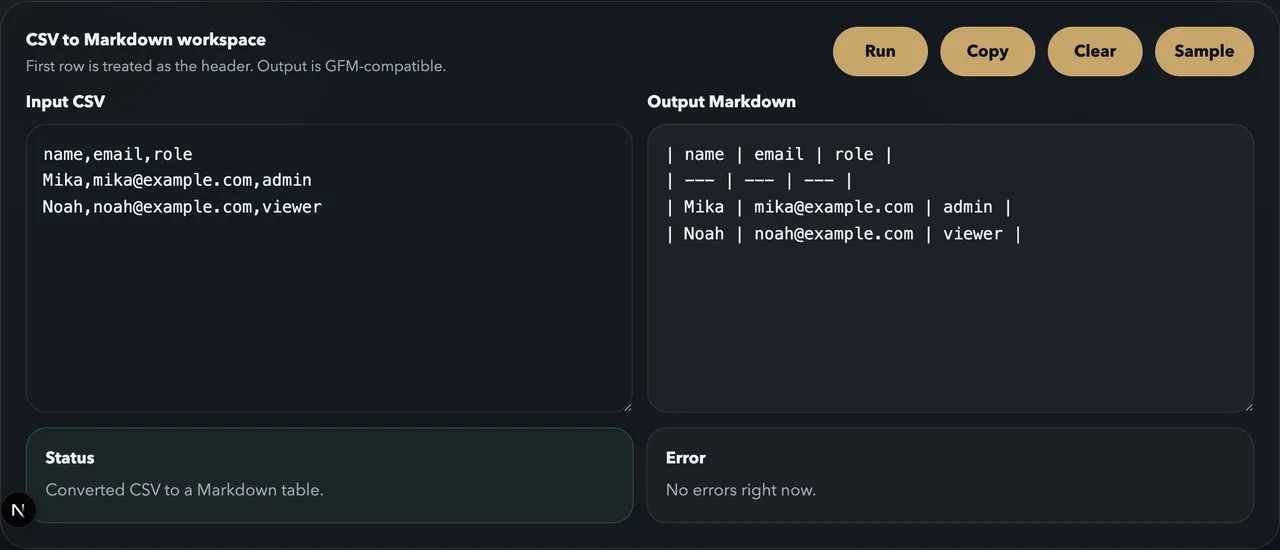
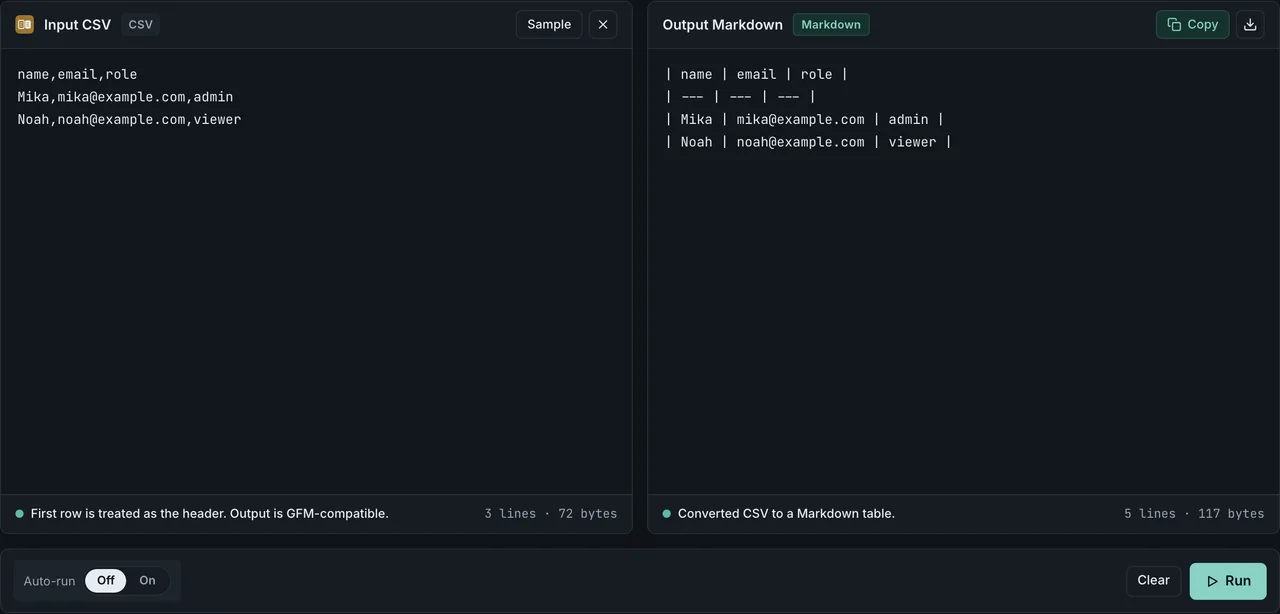
The differences are easier to feel than to read. FormatArc ships browser-side tools that convert between the four formats covered here. No upload, no server round-trip — the data you paste stays in your tab.
- JSON Formatter — validate and pretty-print JSON
- YAML to JSON / JSON to YAML — round-trip between YAML and JSON
- CSV to JSON / JSON to CSV — round-trip between tabular data and a structured array
- CSV to Markdown — convert a spreadsheet column into a Markdown table
- Markdown to HTML / HTML to Markdown — convert between document formats
If you have ever hesitated to paste production data into an upload-based online tool, see Are online converters safe? for a framework to evaluate that risk.
What this article covers — and what it does not
We compare four formats: JSON, YAML, CSV, and Markdown. These are the most frequent stack in modern web development, configuration, data exchange, and documentation, and they are the formats FormatArc's browser-side tools convert between.
Out of scope, by design:
- XML — still important for SOAP, RSS, SVG, and Office Open XML, but rarely chosen for new green-field projects.
- TOML — used by Cargo and
pyproject.toml. Overlaps with YAML and JSON5 in the config space and is uncommon in browser-facing work. - Parquet — a columnar binary format for big data. Out of scope for a text-format comparison.
- XLSX / ODS — spreadsheet binary formats. We touch them only through their CSV export path.
If you want a five-format comparison with XML or TOML, several competing articles cover that. The angle here is different: Markdown gets first-class treatment, because in 2026 it sits next to JSON and YAML in the daily workflow of anyone who writes APIs, configs, READMEs, and LLM prompts.
The same data in all four formats
Side-by-side, with two users, ages, and a skills list, the formats reveal their personalities.
JSON
{
  "users": [
    { "name": "Alice", "age": 30, "skills": ["Python", "Go"] },
    { "name": "Bob",   "age": 25, "skills": ["JavaScript"] }
  ]
}
YAML
users:
  - name: Alice
    age: 30
    skills:
      - Python
      - Go
  - name: Bob
    age: 25
    skills:
      - JavaScript
CSV
CSV cannot express nesting natively, so skills has to be flattened. Common patterns are joining with a delimiter, exploding into multiple columns, or splitting into a separate table. The simplest delimiter-join version:
name,age,skills
Alice,30,Python;Go
Bob,25,JavaScript
Markdown
Markdown is a document format, not a data format. Structure happens through the GFM table extension.
| name  | age | skills      |
|-------|-----|-------------|
| Alice | 30  | Python, Go  |
| Bob   | 25  | JavaScript  |
The same information, four different shapes. JSON is strict and easy to parse. YAML reads naturally to humans. CSV is great for tables but cannot nest. Markdown looks good when rendered but loses everything if you treat it as a data store.
Feature comparison matrix
What can each format actually express?
| Feature | JSON | YAML | CSV | Markdown |
|---|---|---|---|---|
| Hierarchical / nested structure | Yes | Yes | No (flat only) | Limited (nested lists / quotes) |
| Arrays | Yes | Yes | Limited (rows only) | Limited (lists) |
| Numbers, booleans, null | Yes | Yes (with implicit typing) | No (string-by-default) | No |
| Comments | No | Yes (#) | No (effectively) | Yes (<!-- -->) |
| String escaping | Strict | Multiple styles | Weak (implementation drift) | Almost none required |
| Binary safety | No (Base64 workaround) | No (same) | No (same) | No |
| Streaming read | Limited (JSON Lines) | Limited | Yes | No |
| Spec maturity | RFC 8259 (2017) | YAML 1.2.2 (2021) | RFC 4180 (2005) | CommonMark 0.31 (2024) + GFM |
| Hand-write difficulty | Moderate | Low | Low (simple cases) | Low |
| Machine-parse difficulty | Low | High | Medium (drift across libs) | High (yields a tree) |
| Tabular data naturalness | Limited | Limited | Excellent | Excellent (in table syntax) |
| Practical single-file size | A few MB | A few MB | Multi-GB possible | Hundreds of KB |
JSON and YAML share the same underlying data model (objects, arrays, primitives), which is why round-tripping is straightforward. FormatArc provides YAML to JSON and JSON to YAML in both directions. For a deeper look at the two-format comparison alone, see YAML vs JSON: 7 differences.
Comment support matrix
This is where config-file choice really happens. Standards and dialects diverge here.
| Format | Comments | Syntax | Notes |
|---|---|---|---|
| Standard JSON (RFC 8259) | No | — | Comments are a spec violation |
| JSONC | Yes | // /* */ | Non-standard, used by VS Code settings |
| JSON5 | Yes | // /* */ | Also allows trailing commas, single quotes |
| YAML | Yes | # | Part of the spec, anywhere on a line |
| CSV (RFC 4180) | No | — | Some implementations honor #-prefixed lines as a local convention |
| Markdown (CommonMark) | Yes | <!-- --> | HTML-derived |
| TOML | Yes | # | For reference; same shape as YAML |
Comments in JSON come up often. They are not allowed in standard JSON and trigger a parse error in JSON.parse. See Can you write comments in JSON? for the JSON5 / JSONC / preprocessing escape hatches.
Parser ecosystem comparison
When you reach for a language's standard library, what do you get?
| Language | JSON | YAML | CSV | Markdown |
|---|---|---|---|---|
| Node.js | JSON.parse built-in | js-yaml / yaml | papaparse / csv-parse | marked / remark |
| Python | json built-in | PyYAML / ruamel.yaml | csv built-in / pandas / polars | markdown / mistune |
| Go | encoding/json built-in | gopkg.in/yaml.v3 | encoding/csv built-in | goldmark |
| Rust | serde_json | serde_yaml / yaml-rust2 | csv crate | pulldown-cmark |
| Java | Jackson / Gson | SnakeYAML | OpenCSV / Apache Commons CSV | flexmark / commonmark-java |
| Browser (vanilla JS) | JSON.parse built-in | js-yaml (CDN) | papaparse | marked / markdown-it |
JSON and CSV land in the standard library almost everywhere. YAML and Markdown both depend on third-party libraries, though the de-facto choices are stable. FormatArc brings yaml, papaparse, marked, turndown, and remark into the browser bundle, which is what makes server-less conversion work.
Use-case decision matrix
For most real choices you are not asking "which format reads better" — you are matching a specific use case to a format. Look up your row.
| Use case | First choice | Alternative | Avoid |
|---|---|---|---|
| REST API request / response | JSON | (MessagePack / Protobuf) | YAML, CSV, Markdown |
| GraphQL response | JSON | — | Same |
| OpenAPI / AsyncAPI spec | YAML (or JSON) | — | CSV, Markdown |
| Kubernetes manifests | YAML | JSON | CSV, Markdown |
| GitHub Actions / CircleCI / GitLab CI | YAML | — | Same |
| Docker Compose | YAML | — | Same |
| Application config | YAML / TOML / JSON5 | — | CSV, Markdown |
| Environment variables | .env / TOML | — | YAML (line-comment confusion) |
| Structured logs | JSON Lines | — | YAML, CSV, Markdown |
| Batched metric export | CSV | Parquet | YAML, Markdown |
| Excel / Sheets round-trip | CSV / XLSX | — | YAML, Markdown |
| Database import / export | CSV | JSON Lines | YAML, Markdown |
| Static site article frontmatter | YAML | TOML / JSON | CSV |
| Tech blog / README body | Markdown | reStructuredText | JSON, YAML, CSV |
| Specs / requirements docs | Markdown | — | Same |
| Slack / Discord rich text | Markdown (dialect) | — | Same |
| Context for ChatGPT, Claude | Markdown | Plain text | HTML (see below) |
| LLM structured output | JSON | — | YAML (implicit typing), Markdown |
| Agent tool definitions | JSON | YAML | CSV, Markdown |
| Markdown table source-of-truth | CSV → convert | — | Hand-written Markdown tables |
| Tables in a README | Markdown table (GFM) | — | CSV, HTML |
Hand-writing Markdown tables is painful, so keep a CSV or JSON source and use CSV to Markdown to render the table. See GitHub README tables from CSV or JSON for the full workflow.
Common bad choices
Patterns we see repeatedly across teams.
CSV for nested data
Trying to fit { "user": { "address": { "city": "Tokyo" } } } into CSV forces a flattening convention that the reader has to reverse. If you need nesting, use JSON or YAML, or split into a relational set of CSVs and join them on the consumer side.
Falling into YAML's implicit typing
YAML 1.1 coerced no, yes, on, off into booleans. The famous "Norway problem" is the country code NO silently turning into false. YAML 1.2 fixed parts of this, but many parsers still default to 1.1 compatibility. Quote any string that could be mistaken for a boolean.
country: "NO"   # safe — explicit string
country:  NO    # might become false in a YAML 1.1-compatible parser
Writing comments in standard JSON
VS Code's settings.json allows comments, which leads people to assume standard JSON does too. It does not. settings.json is JSONC, a non-standard dialect. JSON.parse will throw on any comment. If you need comments, choose JSON5, JSONC, or YAML, or strip them in a preprocessing step.
Underestimating CSV dialect drift
RFC 4180 is a reference; real-world CSV is a swarm of dialects. Delimiters (, \t ; |), line endings (LF vs CRLF), quoting, BOM, character encoding, header presence, and embedded-newline escaping all vary by writer. "It's just CSV" has cost more debugging hours than YAML ever has. Verify both ends with a sample before going to production.
Treating Markdown as a machine-readable data format
Markdown is a document format. Its tables are a GFM extension, not part of CommonMark, and cells containing pipes or newlines break in non-GFM renderers. See Markdown table not rendering for the most common failure modes.
Assuming Markdown tables are CommonMark
They are not. The table syntax is GFM, MultiMarkdown, or Pandoc territory. A renderer in CommonMark-strict mode will render your table as a single ugly paragraph. GitHub, Dev.to, Zenn, and Qiita are GFM-friendly; older blog engines and Wikis may not be. See CommonMark vs GFM for the boundary.
LLM context selection
For ChatGPT, Claude, or Gemini input, Markdown is the default. It uses roughly one-third to one-tenth of the tokens of equivalent HTML, and external benchmarks consistently show higher extraction accuracy on tables, lists, and code blocks. For LLM structured output (function calling, JSON mode), JSON is mandatory. The asymmetric pattern — Markdown in, JSON out — is what most production prompts converge on.
YAML is risky as LLM input because its indentation is fragile under tokenization and its implicit typing can re-cast strings into booleans. The token-level numbers and the no-upload conversion path are detailed in Markdown vs HTML for LLMs.
Specs and history
Reference table for the decision-makers among your readers.
| Format | Standard | First version | Latest | MIME type | Extension |
|---|---|---|---|---|---|
| JSON | RFC 8259 / ECMA-404 | 2006 (RFC 4627) | 2017 (RFC 8259) | application/json | .json |
| YAML | YAML 1.2.2 | 2004 (YAML 1.0) | 2021 (1.2.2) | application/yaml | .yaml / .yml |
| CSV | RFC 4180 | 1970s (informal) | 2005 (RFC 4180) | text/csv | .csv |
| Markdown | CommonMark 0.31 | 2004 (original Gruber) | 2024 (CommonMark 0.31) | text/markdown | .md / .markdown |
| GFM | GitHub Flavored Markdown | Spec'd in 2017 | Continuously updated | text/markdown | .md |
JSON and CSV have stable RFCs. YAML and Markdown have living dialect families (YAML 1.1 vs 1.2; CommonMark vs GFM vs MultiMarkdown vs Pandoc). Always verify the consumer side's dialect when interoperability matters.
For the fundamentals of each format:
- What is JSON? — JSON syntax and use cases
- What is YAML? — YAML syntax and use cases
- What is CSV? — CSV syntax and use cases
Convert between formats with FormatArc
The canonical conversion routes between the four formats live in the browser at FormatArc. Nothing you paste leaves your tab.
| Route | Tool | Typical use |
|---|---|---|
| Format and validate JSON | JSON Formatter | API response inspection, fixing syntax errors |
| YAML to JSON | YAML to JSON | Pass config to an API, machine-process in CI |
| JSON to YAML | JSON to YAML | Turn an API response into a config file |
| CSV to JSON | CSV to JSON | Structure tabular data for an API |
| JSON to CSV | JSON to CSV | Open an API response in Excel or Sheets |
| CSV to Markdown table | CSV to Markdown | Drop a table into a README or article |
| Markdown to HTML | Markdown to HTML | Paste into a CMS that expects HTML |
| HTML to Markdown | HTML to Markdown | Clean up a web page, prepare LLM context |
Chained, you get workflows like "API JSON to YAML config," "Excel to CSV to Markdown README table," or "web page HTML to Markdown for a ChatGPT prompt" — all browser-side.
Summary
The final checklist when you have to pick fast.
- Machine-to-machine data exchange: JSON
- Hand-edited config: YAML
- Tabular data: CSV
- Human-readable prose: Markdown
- LLM input: Markdown; LLM output: JSON
There is no "right" data format. There is the format that optimizes the thing you care about — readability, strictness, parser breadth, comment support, LLM token efficiency. Use the matrices above as a single lookup table for that decision the next time you start a project.
Spec references:
- RFC 8259: The JavaScript Object Notation (JSON) Data Interchange FormatOpens in a new tab
- YAML 1.2.2 SpecificationOpens in a new tab
- RFC 4180: Common Format and MIME Type for Comma-Separated Values (CSV) FilesOpens in a new tab
- CommonMark SpecificationOpens in a new tab
- GitHub Flavored Markdown SpecOpens in a new tab