YAML vs JSON — the short answer
If you only need one line: use JSON for APIs and machine-to-machine data exchange, and use YAML for configuration files you edit by hand. Both describe the same data model — objects, arrays, strings, numbers, and booleans — but JSON is strict and verbose while YAML is indentation-based and supports comments.
| JSON | YAML | |
|---|---|---|
| Syntax | Braces and brackets | Indentation |
| Comments | Not supported | Supported (#) |
| Common use | REST APIs, data exchange | Config files (Kubernetes, GitHub Actions) |
| Readability | Machine-friendly | Human-friendly |
| Strictness | Strict | Permissive |
Key takeaways
- JSON is strict, fast, and machine-friendly; YAML is indentation-based, human-friendly, and supports comments
- JSON wins for APIs, log streams, and high-throughput parsing; YAML wins for hand-edited config (Kubernetes, GitHub Actions, Ansible)
- YAML supports comments, anchors, multi-line strings, and dates as first-class types — JSON does not
- For LLM prompts, YAML is about 20% cheaper in tokens than pretty-printed JSON (measured at -22% on our sample), but compact JSON (
JSON.stringify(data)style, no whitespace) flips the order and beats YAML. JSON still parses faster and is safer with untrusted input
The rest of this article walks through the concrete differences, shows the same data in both formats, compares real-world use cases, and explains the pitfalls to watch for when you convert between them. We also cover a question that has become common in 2026: which format is cheaper to feed into an LLM prompt.
To compare your own config in both formats, paste the YAML into YAML to JSON, then take the JSON it produces and run it back through JSON to YAML. The round trip shows you exactly what each format does to the same data, in about a minute. Everything runs in your browser, with no upload.
Real-world examples: where each format is used
Before diving into syntax, here is the shortcut most engineers use when deciding between the two:
- Kubernetes manifests, Helm charts — YAML
- Docker Compose files — YAML
- GitHub Actions, GitLab CI, CircleCI pipelines — YAML
- Ansible playbooks — YAML
- REST API request and response bodies — JSON
package.json,composer.json, browser-to-server messages — JSON- Log records and event streams — JSON Lines
- OpenAPI / Swagger specifications — YAML or JSON (authors usually pick YAML, generators often emit JSON)
Notice the pattern. YAML wins when a human will read or edit the file. JSON wins when a program will produce or consume it. That is the underlying reason the formats evolved the way they did, and it is the single best heuristic for picking one.
Side-by-side: the same data in YAML and JSON
Here is a small web server configuration expressed in both formats.
YAML:
# Web server configuration
server:
  host: localhost
  port: 8080
  debug: true
  allowed_origins:
    - https://example.com
    - https://staging.example.com
  headers:
    X-Frame-Options: DENY
    Strict-Transport-Security: "max-age=31536000"
JSON:
{
  "server": {
    "host": "localhost",
    "port": 8080,
    "debug": true,
    "allowed_origins": [
      "https://example.com",
      "https://staging.example.com"
    ],
    "headers": {
      "X-Frame-Options": "DENY",
      "Strict-Transport-Security": "max-age=31536000"
    }
  }
}
Two things stand out. First, the YAML version is shorter because it drops most of the braces, brackets, and quotes — counting the two snippets above, the YAML weighs 246 characters against 291 for the JSON, about 15% less (and about 25% less once you exclude the comment line the JSON cannot even carry). Second, only the YAML version can hold the # Web server configuration comment — the JSON version loses it entirely.
Data types: what YAML supports that JSON does not
Both formats cover strings, numbers, booleans, null, objects, and arrays. YAML adds a few extras that make configuration files easier to write.
Dates and timestamps
YAML parsers accept ISO 8601 dates as first-class values:
release_date: 2026-04-01
created_at: 2026-04-01T09:30:00Z
JSON has no date type. Dates have to be stored as strings and parsed by the receiving application:
{
  "release_date": "2026-04-01",
  "created_at": "2026-04-01T09:30:00Z"
}
Multi-line strings
YAML has two operators for long text blocks. The literal block (|) preserves newlines, while the folded scalar (>) replaces them with spaces.
description: |
  This service accepts webhooks from GitHub
  and forwards them to an internal queue.

summary: >
  All traffic is served through Cloudflare,
  and the origin is rate-limited to 100 rps.
JSON has to escape the newlines inside a single line:
{
  "description": "This service accepts webhooks from GitHub\nand forwards them to an internal queue.\n",
  "summary": "All traffic is served through Cloudflare, and the origin is rate-limited to 100 rps."
}
Loose type inference
YAML tries to infer types from unquoted values. Depending on the spec version, yes, no, on, and off may become booleans. Values that look like numbers become numbers. This is convenient when humans write the files, but is also the source of the infamous "Norway problem" — country: NO silently parsing as false. JSON has none of this ambiguity: strings are always quoted and numbers are always numbers.
Comments: YAML's documentation edge
YAML comments start with # and run to the end of the line. They are invaluable for explaining why a setting exists.
retries: 3 # Any higher and we exceed the upstream timeout
JSON has no comment syntax. The common workarounds — "_comment": "..." fields or the non-standard JSONC and JSON5 variants — exist precisely because the lack of comments makes JSON painful for configuration. For the full story, see How to Add Comments to JSON.
Anchors and aliases: YAML's reuse feature
YAML lets you define a value once with &anchor and reference it elsewhere with *alias. The <<: merge key then pulls a shared block into a mapping.
defaults: &defaults
  adapter: postgres
  host: db.internal
  pool: 5

development:
  <<: *defaults
  database: myapp_dev

production:
  <<: *defaults
  database: myapp_prod
  pool: 20
When the file is converted to JSON, the anchor is expanded inline — both development and production end up with a full copy of every default. The resulting data is correct, but the original intent of "these share the same defaults" is no longer visible.
Performance, size, and parsing speed
For machine-to-machine communication, JSON is the faster choice. JSON parsers ship with every mainstream language runtime (JSON.parse, json.loads, encoding/json) and are highly optimized. YAML parsing is slower because the grammar is richer, and most YAML libraries build a JSON-equivalent tree internally anyway.
On size, the answer depends on which JSON you compare against. For the same 32-line sample we use for token measurements (scripts/benchmarks/yaml-vs-json-tokens/), YAML comes in at 667 bytes versus 857 bytes for pretty-printed JSON — about 22% smaller — but compact single-line JSON is 686 bytes, essentially a tie. And once either format is gzipped for transport, even that difference mostly disappears. The real cost of YAML is not bytes — it is parser CPU time and the surprises caused by implicit type inference.
When to choose YAML
- A human will read or hand-edit the file
- The file is configuration, not a data payload
- You need comments to explain settings
- The tool chain already expects YAML (Kubernetes, Docker Compose, Ansible, CI)
- You want to use anchors and aliases to reduce duplication
If you have JSON in hand and want a more human-readable form, paste it into JSON to YAML — the converter preserves nesting and lets you check the indentation in the browser before saving.
When NOT to use YAML
Even when YAML looks like the obvious choice, there are situations where it causes more problems than it solves.
- Machine-generated configuration — type inference turns
version: 2.0into the number2, silently corrupting the data - Real-time data streams — parsing overhead is meaningful at high throughput
- Security-sensitive input — YAML tags like
!!python/objectcan execute arbitrary code in unsafe loaders; always useyaml.safe_loador the equivalent - Short, flat payloads — the indentation savings disappear and JSON is simpler
When to choose JSON
- A program will produce or consume the data
- You need cross-language interoperability without surprises
- The data is transmitted over the network in an API
- You want strict, unambiguous parsing with no hidden type coercion
- Performance matters — parsing must be fast and predictable
When you need to feed hand-written YAML into a program that only speaks JSON, YAML to JSON does the conversion in the browser with line-numbered errors — useful for catching type-inference surprises before they reach production.
Decision matrix: YAML or JSON at a glance
The two lists above condensed into one table. Read your situation down the left column and take the row's verdict.
| Criterion | YAML | JSON |
|---|---|---|
| Humans hand-edit the file | Strong fit — less punctuation, comments allowed | Weak fit — noisy syntax, no comments |
| Machines exchange the data | Weak fit — slower, ambiguous scalars | Strong fit — fast native parsers everywhere |
| Comments needed | Yes (#) | No (JSONC/JSON5 are non-standard workarounds) |
| Reuse within one file | Anchors, aliases, merge keys | None — repeat or restructure |
| Type behavior | Inferred, parser-dependent (see table below) | Strict and identical everywhere |
| Parser availability | External library in most languages | Built into every mainstream runtime |
| Multiple documents per file | Yes (--- separators) | No — one value per file |
| Multi-line strings | First-class (| and >) | Escaped \n inside one line |
| LLM token cost | Cheaper than pretty JSON | Compact JSON is cheapest |
| Typical home ground | Kubernetes, CI, Docker Compose, config | APIs, logs, data pipelines, storage |
Common pitfalls when converting YAML to JSON
Conversion is mostly lossless, but a handful of edge cases trip people up.
- Comments disappear — JSON has no comment syntax, so every
#line is dropped - Anchors are expanded — shared blocks become duplicated data
- Dates become strings — ISO dates lose their type information
- Type inference surprises — a YAML value like
version: 2.0becomes the number2in JSON - Multi-document files — YAML can hold several documents separated by
---; JSON must pick one or wrap them in an outer array - Duplicate keys — YAML's behavior is implementation-defined; in JSON only the last value wins
- Tags and custom types — YAML's
!!timestampor custom tags have no direct JSON representation
Measured: the same YAML, four parsers, four different answers
"Type inference surprises" sounds abstract until you see the same one-line YAML produce different values depending on which library sits in your conversion pipeline. We ran a set of ambiguous scalars through the four most common parsers (js-yaml 4.1.1, yaml/eemeli 2.8.3, PyYAML 6.0.3 safe_load, ruamel.yaml 0.19.1; full harness and raw output in scripts/benchmarks/yaml-parser-differences/, measured 2026-07-10 on Apple M5 Pro). This is what actually lands in your JSON:
| Unquoted YAML value | js-yaml 4.1.1 | yaml (eemeli) 2.8.3 | PyYAML 6.0.3 | ruamel.yaml 0.19.1 |
|---|---|---|---|---|
NO (Norway problem) | "NO" | "NO" | false | "NO" |
on | "on" | "on" | true | "on" |
010 (legacy octal) | 10 | 10 | 8 | 10 |
0o10 (YAML 1.2 octal) | 8 | 8 | "0o10" | 8 |
1:30 (sexagesimal) | "1:30" | "1:30" | 90 | "1:30" |
2026-07-10 (bare date) | Date object | "2026-07-10" | date object | date object |
a: 1 + a: 2 (duplicate keys) | error | error | last wins (2) | error |
<<: *base (merge key) | merged | literal "<<" key kept | merged | merged |
Three findings matter for conversion work. First, the Norway problem is not "a YAML problem" — of these four, only PyYAML (a YAML 1.1 loader) turns NO into false; the three YAML 1.2 parsers keep the string. Second, bare dates split three ways: eemeli's yaml hands you a plain string, while js-yaml, PyYAML, and ruamel.yaml produce date objects that your JSON serializer then has to deal with. Third, the merge key <<: silently changes meaning in eemeli's yaml with default options: instead of merging the shared block, it keeps a literal "<<" key in the output JSON — the kind of corruption you only notice when a consumer downstream starts failing.
If you cannot control which parser your pipeline uses, quote anything ambiguous ("NO", "1:30", "2026-07-10") before converting. Pasting a representative file into YAML to JSON is a quick way to see what your values turn into before production does it for you.
For the step-by-step walkthrough, see How to Convert YAML to JSON. Once you have JSON, JSON Formatting Tips covers indentation, key ordering, and other choices that keep the output reviewable.
Convert YAML ⇄ JSON with FormatArc
FormatArc runs the conversion entirely in the browser — no upload, no signup, nothing leaves your machine.
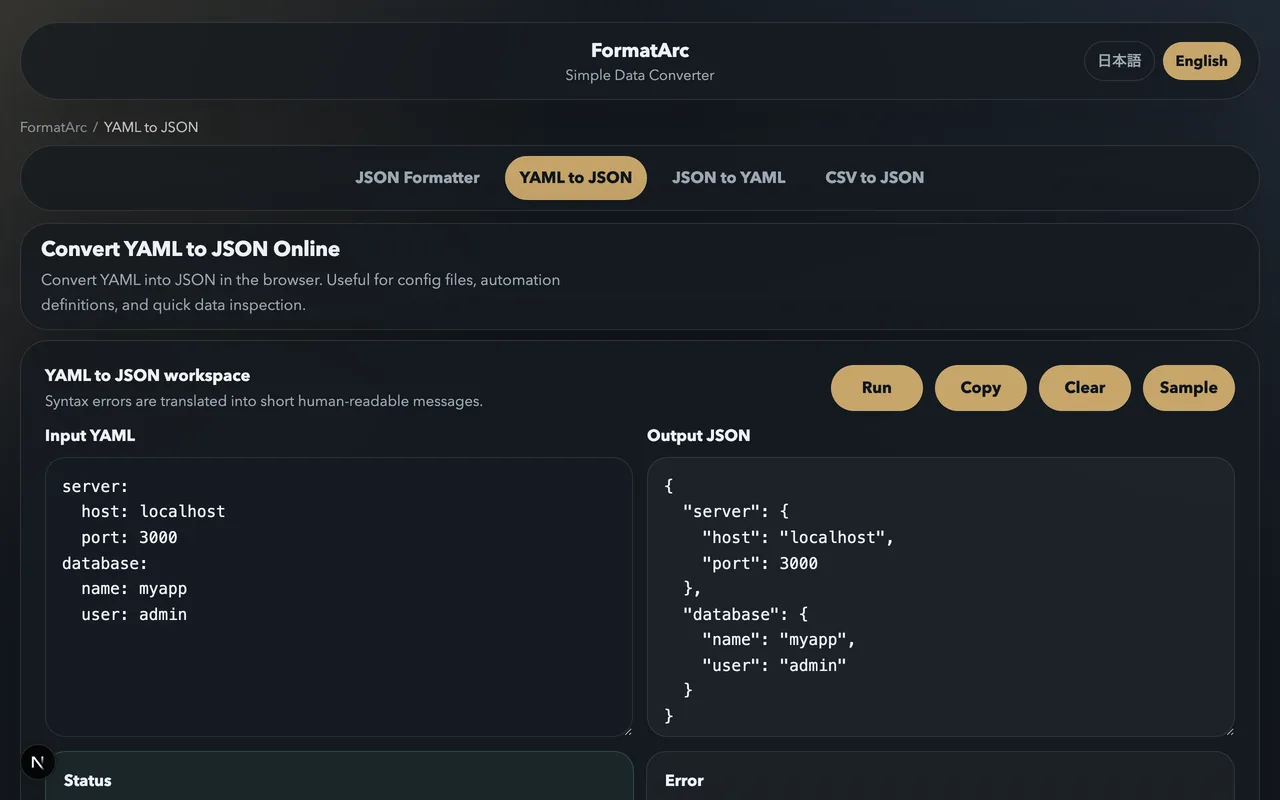
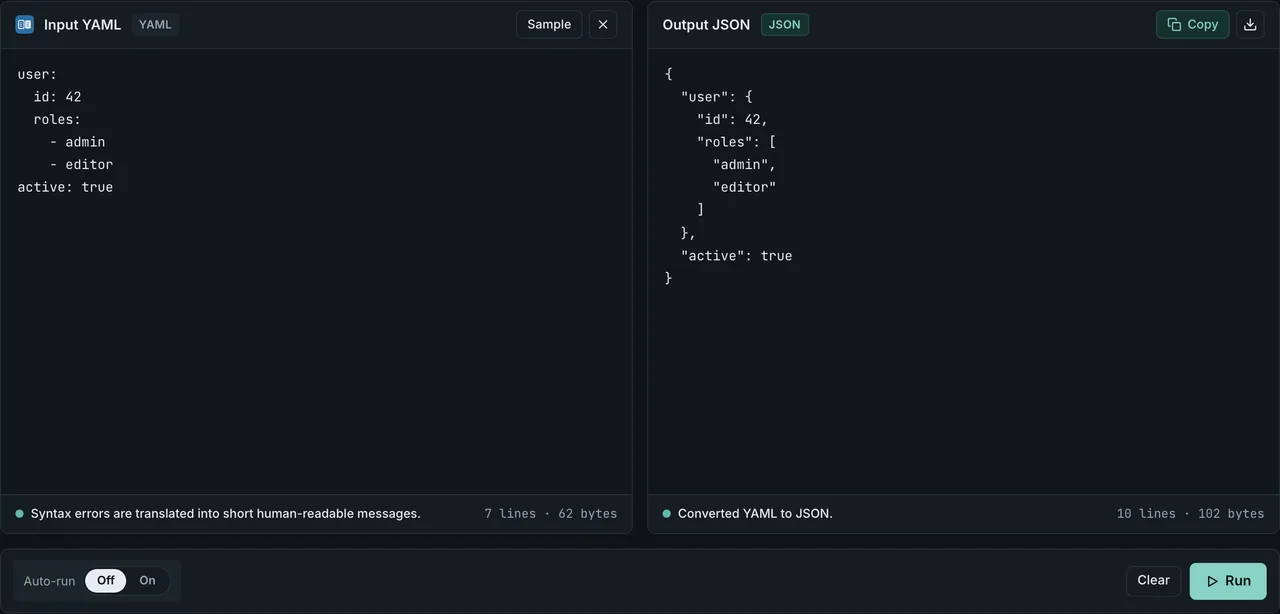
- YAML to JSON — paste YAML and get JSON, with line-numbered error messages when the syntax is wrong
- JSON to YAML — reverse direction, produces clean YAML with preserved nesting
- JSON Formatter — pretty-print the resulting JSON with readable error reporting
If you prefer a scripted workflow, yqOpens in a new tab and Python's yaml.safe_load work well. A quick Python one-liner:
python3 -c "import yaml,json,sys; print(json.dumps(yaml.safe_load(sys.stdin),indent=2))" < config.yaml
Frequently asked questions
Is YAML a superset of JSON?
Since YAML 1.2, valid JSON is also valid YAML. A YAML parser can read a JSON file directly. The reverse is not true — a JSON parser cannot read YAML. In practice, many YAML libraries still default to the older YAML 1.1 spec, where this compatibility is less reliable.
Why do Kubernetes and Docker Compose use YAML instead of JSON?
Because their configuration files are edited by humans, and YAML's indentation-based syntax with comments is easier to maintain for long-form config. When those tools emit state (for example kubectl get ... -o json), they usually offer a JSON mode for machine consumption.
Is YAML faster to parse than JSON?
No. JSON parses significantly faster in every mainstream language. YAML is slower because its grammar is richer and more ambiguous. For performance-sensitive data transport, JSON is the right choice.
Can I convert JSON to YAML without losing data?
Yes. JSON to YAML is almost always lossless because JSON is the simpler format. You cannot add comments that JSON never had, but the data itself round-trips cleanly. Paste your input into the JSON to YAML converter to see the result.
Why does my YAML value country: NO become false?
This is the famous "Norway problem." Older YAML parsers interpret bare NO as the boolean false. Fix it by quoting the value: country: "NO". The YAML 1.2 spec removed this behavior, but many tools still default to 1.1.
YAML vs JSON for LLM prompts — which uses fewer tokens?
It depends on which JSON you compare against. We measured a 32-line Kubernetes-style sample (scripts/benchmarks/yaml-vs-json-tokens/) with OpenAI's tiktoken. Against pretty-printed JSON (json.dumps(data, indent=2)), YAML wins by about 22% on both cl100k_base and o200k_base (YAML 218 tokens vs JSON pretty 281 tokens). Against compact JSON (json.dumps(data, separators=(",", ":"))) the order flips and JSON wins by roughly 18-21% (JSON compact 180 tokens). Deeply nested JSON pays for every {, }, [, ], and " as separate tokens, but YAML uses indentation for hierarchy and never closes those brackets — once JSON drops its whitespace, that gap closes. Practical guidance: (1) when compact JSON is acceptable, JSON is the cheapest; (2) for human-edited config or values with multi-line strings, YAML is more readable and usually cheaper in total; (3) some models follow strict JSON output more reliably, so the common 2026 pattern is the asymmetric one — feed YAML in, ask for JSON out.
Do YAML comments survive a round trip through JSON?
No. Comments are attached to line positions in the source file, not to fields in the data structure. Once YAML is parsed, comments are discarded. Converting YAML to JSON and back will always lose them — keep the original YAML if you need the comments preserved.
Related reading
- How to Convert YAML to JSON — step-by-step conversion guide with examples
- JSON to YAML Conversion Guide — the reverse direction
- What is YAML? — YAML fundamentals for beginners
- YAML Syntax Guide — write valid YAML from scratch
- JSON Formatting Tips — produce reviewable JSON after conversion
- How to Add Comments to JSON — JSONC, JSON5, and workarounds
- What is JSON? — JSON fundamentals for beginners
- Markdown frontmatter YAML to JSON — frontmatter conversion for SSG migrations
Summary
- YAML and JSON describe the same data model; the difference is who is reading the file
- Choose YAML for hand-edited config with comments, choose JSON for machine-to-machine data exchange
- Watch for type inference, anchor expansion, and comment loss when converting YAML to JSON
- FormatArc converts both directions in the browser with line-numbered error reporting