The short answer
An online JSON, YAML, or CSV converter is safe to use only when you can confirm your input is never sent to a server and never stored. Some online tools do all the work inside your browser, so your data never leaves the tab. Others quietly upload what you paste, log it, and in some cases publish it. You cannot tell which kind you are using from the homepage alone, so the safe habit is to verify before you paste anything sensitive.
This article shows you how to make that judgment yourself, with a checklist you can apply to any converter, a DevTools test that takes thirty seconds, and the categories of data you should never paste into a web tool you have not verified.
Quick guidance:
- Public, non-sensitive sample data: any reputable formatter is fine.
- Anything containing credentials, tokens, customer data, or internal configuration: only use a tool you have verified runs entirely in your browser, or convert offline.
- When in doubt: treat it as unsafe and use a local method.
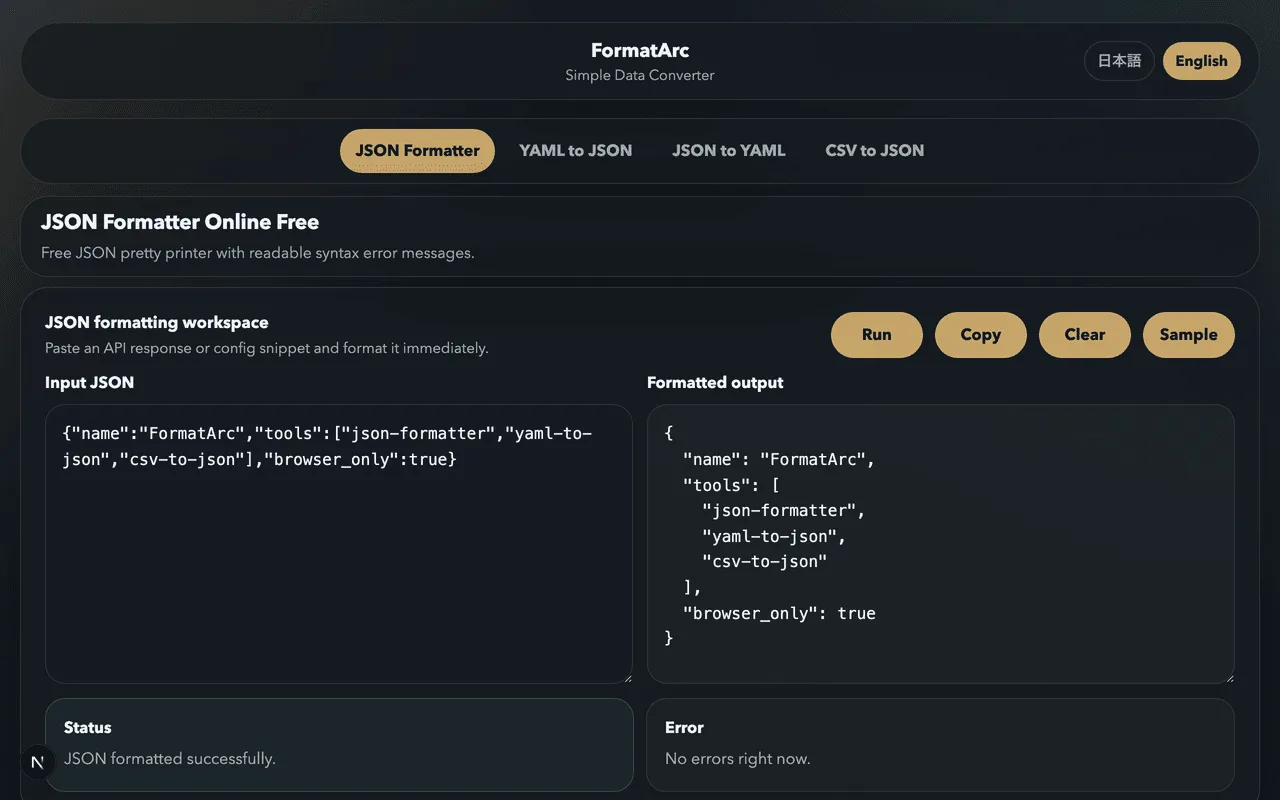
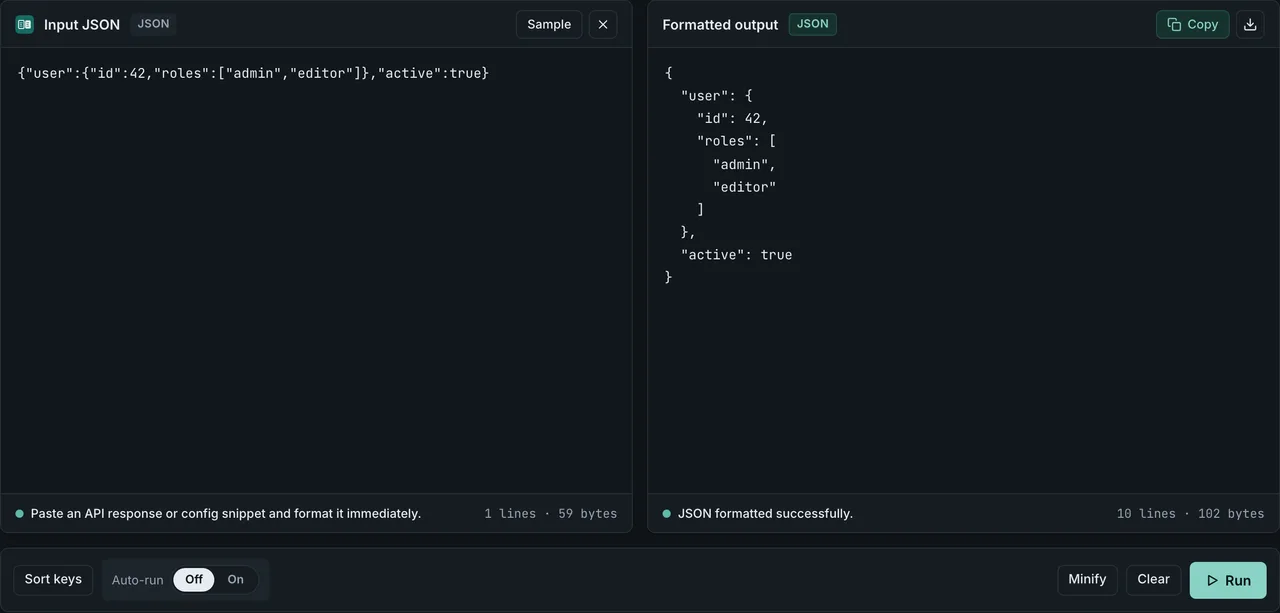
If you want a converter that you can verify is browser-side right now, FormatArc's JSON Formatter keeps working with your network disabled, because it never sends your input anywhere.
Why this question matters now
In November 2025, security firm watchTowr published research on two of the most popular online formatting and conversion sites, JSONFormatter and CodeBeautify. Both offered a save-and-share feature with a "Recent Links" page. The shareable links followed a predictable URL pattern, which meant anyone could enumerate them with a simple crawler and read everything other users had saved.
The researchers collected more than 80,000 saved submissions, over 5GB of data. Inside were Active Directory credentials, database and cloud access keys, private keys, CI/CD pipeline secrets, JWT and API tokens, payment gateway credentials, and complete AWS Secrets Manager exports. The affected organizations spanned government, banking, healthcare, insurance, aerospace, and telecommunications. You can read the full disclosure in watchTowr's reportOpens in a new tab.
One detail makes the lesson unambiguous. The researchers uploaded canary tokens set to expire after 24 hours. They recorded someone accessing those tokens 48 hours after upload, after the links had supposedly expired. Attackers were already scraping these platforms and testing the credentials they found.
The takeaway is not that those two sites were uniquely bad. It is that anything you paste into a converter that stores or transmits your input can be exposed the same way, through a leak, a misconfiguration, a breach, or a feature you did not know existed. The fix is to use tools whose architecture makes exposure impossible, and to know how to tell them apart.
The three processing models
Online converters fall into three groups based on what happens to your data. The difference is the whole question.
| Model | Where data is processed | Stored on a server | Typical risk |
|---|---|---|---|
| Server-side (upload) | Sent to the provider's server | Often, at least temporarily | High: transit, logs, breaches, retention |
| Save-and-share | Sent and deliberately persisted with a URL | Yes, by design | Highest: public links, predictable URLs, indefinite retention |
| Browser-side (client-side) | Inside your browser tab | No | Low: nothing is sent or stored |
A server-side converter has to receive your data to process it. Even an honest provider keeps it in transit, in memory, possibly in access logs, and possibly in temporary files. A single misconfiguration exposes all of it.
A save-and-share model is worse because storing your input is the point of the feature, not an accident. This is exactly the model that leaked in the watchTowr research. The convenience of "share this formatted JSON with a link" is the same mechanism that made 80,000 submissions publicly readable.
A browser-side converter loads its code once, then does everything locally in JavaScript. Your input never crosses the network. There is nothing on a server to leak, because nothing was ever sent.
The real culprits: sending and storing
It helps to be precise about what actually causes exposure, because some defenses people rely on do not address it.
Data is sent. If the tool POSTs your input to a server to process it, your data has left your control the moment you click convert. What the provider does with it next is out of your hands.
Data is stored. Even a tool that processes server-side and claims to delete data immediately may keep access logs, error logs with payloads, or cached copies. Save-and-share features store it on purpose, sometimes forever.
A shareable URL exists. If a tool generates a link to your formatted output, that output lives on a server and is reachable by anyone who finds or guesses the URL. Predictable URL schemes turn this from a small risk into a mass-enumeration problem.
The terms of service permit reuse. Some free tools, and many AI-backed ones, reserve the right to use submitted content for analytics or model training. Once your secret is in their training set or analytics pipeline, you cannot take it back.
Notice what is not on this list. HTTPS does not help here. HTTPS encrypts the connection between your browser and the server, which protects against eavesdroppers on the network. It does nothing about what the server does with your data after it arrives: storage, logging, sharing, and operator access all happen on the far side of the encryption. A tool can be served over perfect HTTPS and still leak everything you paste.
How to verify a tool is browser-side yourself
This is the part competitors rarely teach, and it is the most useful skill here. You do not have to trust a privacy policy. You can check.
Open the converter in your browser, then open DevTools (F12, or right-click and choose Inspect) and go to the Network tab. Now do this:
- Click the throttling dropdown in the Network tab and choose Offline (or check Offline). This disconnects the page from the network.
- Paste your input and run the conversion.
- Watch what happens. If the tool still converts your data with the network offline, the work is happening in your browser. A server-side tool would hang or show an error, because it cannot reach its backend.
There is one subtlety worth knowing, because it separates a quick check from a real one. Working offline proves the conversion logic is local. It does not, on its own, prove the page never sends your data when it is online again. A page could process locally and still POST a copy somewhere. So for the stronger check, do it the other way too:
- Keep the network online and clear the Network log.
- Paste your input and convert.
- Inspect the request list. A genuinely browser-side tool sends no new requests carrying your input. If you see a POST or a request whose payload contains your pasted data, the tool is transmitting it, no matter what the marketing says.
When you run this test on FormatArc's JSON Formatter, the conversion keeps working with the network offline and sends no request containing your input, because the entire tool is static files and browser JavaScript with no backend to call.
A five-point checklist for any converter
Before you paste sensitive data into a web tool you have not used before, run through these. They take a minute and they are the difference between safe and sorry.
- Does it state client-side processing explicitly? Vague phrases like "your data is safe with us" mean nothing. Look for a clear claim that processing happens in your browser and data is not sent to a server, then verify it.
- Does it pass the DevTools test? Use the offline and Network-log checks above. This is the only claim you can confirm rather than trust.
- Does it have a save or share feature? A "save this", "share link", or "recent" page means your input can be persisted on a server. That is the exact feature that leaked in the 2025 incident. Avoid it for anything sensitive.
- Is it free of trackers and ads? Ad networks and analytics scripts run in the same page as your data. They are not the converter, but they are extra third-party code with access to the page. Fewer third-party scripts is safer.
- Does it work offline after loading? Load the page, disconnect, and confirm it still works. A tool that needs the network mid-conversion is doing something on a server.
Here is how to compare tools on the features that matter for safety. Fill it in for any converter you are evaluating.
| Safety feature | What to look for |
|---|---|
| Client-side processing | Conversion runs in the browser, verifiable in DevTools |
| No file upload required | Paste-only, or local file read that never leaves the page |
| No save or share URL | No server-side persistence of your input |
| No trackers or ads | Minimal third-party scripts on the page |
| Works offline | Functions with the network disabled after loading |
| Open source | Code can be inspected and audited by anyone |
No single row is a guarantee on its own. A tool that scores well across all of them, and passes the DevTools test, is one you can reasonably trust with sensitive input.
Browser-side is safer, but not automatically safe
It would be dishonest to claim a browser-side tool is risk-free, so here is the nuance. Even when conversion happens locally, other code on the same page can still see what you paste:
- Ad networks and analytics scripts run in the page and can read its contents.
- Third-party scripts loaded from external CDNs run with the page's permissions.
- Browser extensions can read and modify any page you visit, including your pasted data.
- A cross-site scripting (XSS) flaw, or a compromised dependency in the page's own code, can exfiltrate data even from an otherwise local tool.
This is why "fewer third-party scripts" is a real safety property, not a nicety, and why open source matters: it lets the page's actual behavior be audited. A converter served as static files with no analytics, no ad network, and no save feature has a much smaller attack surface than one stuffed with trackers, even if both run conversion in the browser. Keep your browser and extensions trustworthy too, since a malicious extension defeats every other precaution.
Safer alternatives for sensitive data
If you are not confident a web tool is safe, or the data is too sensitive to take the chance, you have good local options.
Verified browser-side tools. A converter that you have confirmed runs locally is fine even for sensitive input, because nothing leaves your machine. FormatArc's tools are built this way: JSON Formatter, YAML to JSON, JSON to YAML, and CSV to JSON and JSON to CSV all run entirely in the browser with no upload, and they keep working with the network disabled. The same principle covers confidential documents: see converting a Notion export to Markdown for the browser-side HTML route that uploads nothing.
Command-line tools. jq formats and queries JSON. yq converts between JSON and YAML. Both are single binaries that run entirely on your machine. For deeper recipes, see Convert JSON to YAML and Convert YAML to JSON, which cover the yq and scripting approaches in detail. One caution: secrets can still linger in your shell history, your clipboard, and CI logs even when the tool itself is local, so scrub those if the data is truly sensitive.
Your editor's built-in features. VS Code formats JSON with a keystroke. Most editors have JSON and YAML formatting built in or one extension away, and they never touch the network for it.
Need to check an error, not convert? If you are only trying to find why a parser is rejecting your JSON, you often do not need to paste the real payload at all. Reproduce the structure with placeholder values, or see How to fix JSON parse errors to recognize common failures from the error message alone. When you do want to practice on something safe, use public sample JSON and our formatting tips instead of real data.
A note on browser extensions: a JSON-formatting extension can be convenient, but an extension reads every page you visit and can be sold or updated to behave differently. If you use one, prefer an open-source, actively maintained option, and apply the same scrutiny. We compare options in the Chrome JSON extension guide.
Why FormatArc is safe by construction
FormatArc is built so that exposure is not just unlikely but structurally impossible, and you can verify every claim:
- 100% browser-side. Every conversion runs in JavaScript inside your tab. Your input is never sent to any server.
- No upload. You paste your data; there is no file-upload step that ships your data elsewhere.
- No backend. The entire site is static files on a CDN. There is no server that receives, processes, or stores your input, so there is nothing to leak, log, or breach.
- No save-and-share feature. There is no "recent links" page and no shareable URL of your data, which is exactly the feature that caused the 2025 leak.
- Verifiable. Disable your network in DevTools and the tools keep working. Watch the Network tab and you will see no request carrying your input.
Apply the five-point checklist above to FormatArc and it passes every row you can verify. That is the point: you should not take our word for it, you should be able to check, and with a browser-side static tool you can.
Final checklist before you paste
- Is the data sensitive (credentials, tokens, customer or personal data, internal config)? If yes, do not paste it into an unverified tool.
- Have you run the DevTools offline and Network-log test? If not, treat the tool as unverified.
- Does the tool have a save, share, or "recent" feature? If yes, avoid it for sensitive data.
- Could you do this locally instead, with a verified browser-side tool,
jq/yq, or your editor? If yes, prefer that.
When the answer to "can I confirm my data is never sent?" is yes, an online converter is a fast, convenient, safe tool. When you cannot confirm it, assume the worst and convert offline.
Frequently asked questions
I already pasted a secret into an online tool. What should I do?
Treat it as compromised. Rotate it: regenerate the API key, change the password, reissue the token, revoke and reissue the certificate. Assume it has already been scraped, since the watchTowr research showed attackers accessing supposedly expired data within 48 hours. Rotation is the only reliable fix once a secret has left your control.
Should my team ban online converters entirely?
A blanket ban is hard to enforce and pushes people toward shadow tools. A better policy is to allow verified browser-side tools and local methods (jq, yq, editor features) for sensitive data, and to teach the DevTools verification test so people can check for themselves. Reserve unverified online tools for public, non-sensitive data only.
Isn't HTTPS enough to keep my data safe?
No. HTTPS encrypts the connection so no one can eavesdrop in transit. It does nothing about what the server does with your data after it arrives: storing it, logging it, generating a shareable link, or letting an operator read it. A site with flawless HTTPS can still leak everything you paste. What protects you is the data never being sent at all.
If a tool works offline, is it definitely safe?
Working offline proves the conversion logic runs locally, which is necessary but not sufficient. A page could process locally and still send a copy of your data when it is back online. For the full check, also watch the Network tab while online and confirm no request carries your input. A tool that passes both checks, and has no save or share feature, is one you can trust.
Are command-line tools like jq and yq safer than web tools?
For the conversion itself, yes: jq and yq run entirely on your machine and send nothing. Just remember that secrets can still end up in your shell history, your clipboard, and CI logs, so scrub those when handling truly sensitive data. A verified browser-side tool offers similar safety with no install.