The data conversion features of FormatArc are now available as an npm package. You can format JSON and convert YAML, CSV, Markdown, and HTML right from your terminal or Node.js code — no browser needed.
This article covers how to use formatarc as a CLI tool and how to integrate it into your project as an API.
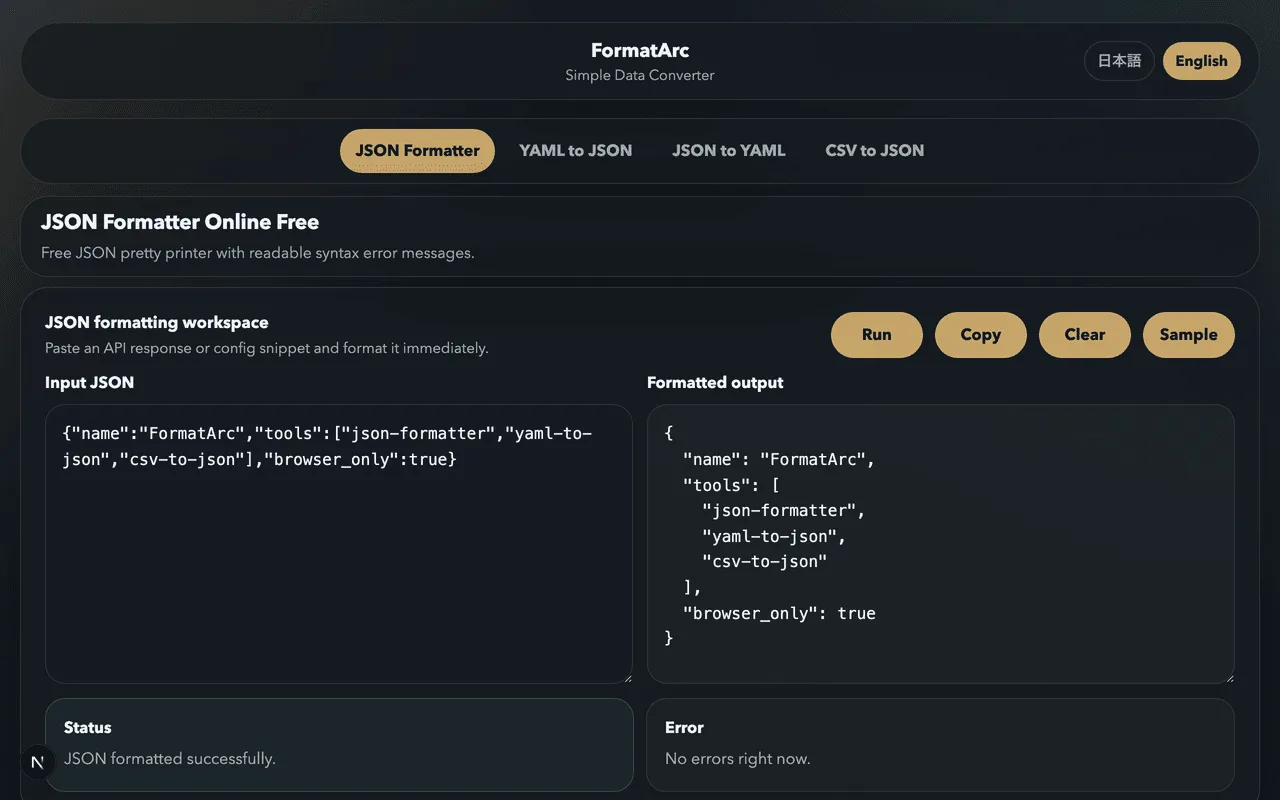
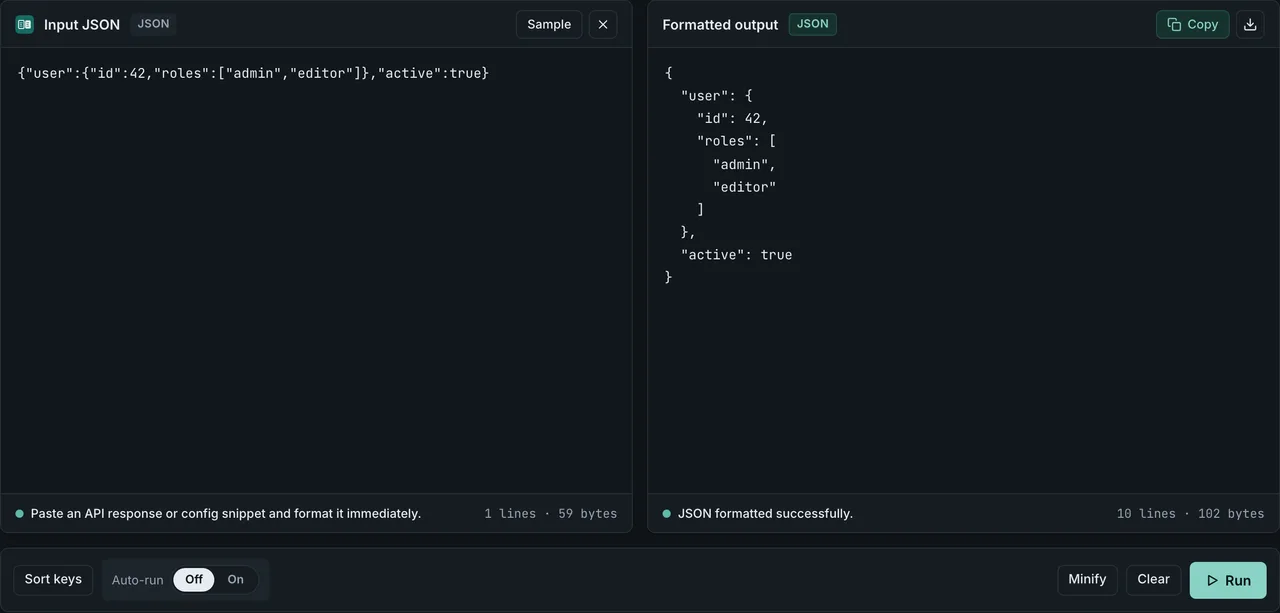
If you just need one quick conversion without opening a terminal, the browser version does the same job: paste your data into the JSON Formatter and get the result instantly. No sign-up, and nothing you paste leaves your browser.
Installation
Run instantly with npx (no install required)
For a quick one-off conversion, npx is the easiest option. No installation needed.
npx formatarc json-format '{"name":"FormatArc","version":1}'
Global install
If you use it frequently, install it globally to skip the npx startup delay.
npm install -g formatarc
After installation, the formatarc command is available directly.
formatarc json-format '{"name":"FormatArc","version":1}'
Add to your project
To use it as a dependency in a Node.js project:
npm install formatarc
Supported tools
There are 12 commands, running the same conversion logic as the FormatArc website. PDF arrived in 0.3.0 and the Qiita / Zenn compatibility check in 0.4.0 (version history on npmOpens in a new tab).
| Tool | Description |
|---|---|
json-format | Pretty-print and validate JSON |
yaml-to-json | Convert YAML to JSON |
json-to-yaml | Convert JSON to YAML |
csv-to-json | Convert CSV to JSON (header row required) |
json-to-csv | Convert JSON objects to CSV (nested keys become address.city) |
csv-to-markdown | Convert CSV to a Markdown (GFM) table |
markdown-to-csv | Convert Markdown (GFM) tables to CSV |
markdown-to-html | Convert Markdown to HTML |
html-to-markdown | Convert HTML to Markdown |
pdf-to-markdown | Extract the text of a text-based PDF as Markdown |
qiita-to-zenn | Check a Qiita article for Zenn compatibility |
zenn-to-qiita | Check a Zenn article for Qiita compatibility |
qiita-to-zenn and zenn-to-qiita return the converted article on stdout and the report of every syntax difference on stderr. They exit 1 while anything remains that cannot be resolved automatically, so they work as a gate in CI before an article goes out.
CLI usage
The basic syntax is:
formatarc <tool> [input]
There are three ways to pass input.
1. Inline argument
formatarc json-format '{"name":"FormatArc","tools":["json","yaml","csv"]}'
Output:
{
  "name": "FormatArc",
  "tools": [
    "json",
    "yaml",
    "csv"
  ]
}
2. File path
formatarc yaml-to-json config.yaml
Pass a file path and formatarc reads and converts its contents. This works well in CI/CD pipelines.
3. Pipe from stdin
cat data.csv | formatarc csv-to-json
Combine it with curl to format API responses on the fly. If you want to compare formatarc with jq and python -m json.tool, see curl pretty-print JSON: 4 one-liners.
curl -s https://api.example.com/data | formatarc json-format
Working with Markdown and HTML
Drop a CSV into a Markdown table for a GitHub README or a docs page:
cat users.csv | formatarc csv-to-markdown
Render Markdown as HTML for blog platforms that don't accept Markdown directly:
cat README.md | formatarc markdown-to-html > README.html
Or strip HTML down to clean Markdown — perfect when feeding web pages into LLMs:
curl -s https://example.com/article | formatarc html-to-markdown
Using the API
You can also call the conversion functions directly from Node.js code. This is useful for automation scripts or when building your own tools.
The convert function
convert takes a tool name and an input string, and returns the conversion result.
import { convert } from "formatarc";

const result = convert("json-format", '{"a":1,"b":2}');
console.log(result.output);
// {
//   "a": 1,
//   "b": 2
// }
The return value has two fields: output (the converted result) and error (the error message).
const result = convert("json-format", "{invalid json}");
if (result.error) {
  console.error(result.error);
  // JSON parse error: Expected property name or '}' ...
}
On error, output is an empty string and error contains the message. On success, error is an empty string.
The isValidTool function
A type guard that checks whether a string is a valid tool name.
import { convert, isValidTool } from "formatarc";

const toolName = process.argv[2];

if (isValidTool(toolName)) {
  const result = convert(toolName, inputData);
  console.log(result.output);
}
Example: batch-convert YAML files to JSON
import { convert } from "formatarc";
import { readFileSync, writeFileSync } from "fs";
import { globSync } from "fs";

const files = globSync("configs/*.yaml");

for (const file of files) {
  const yaml = readFileSync(file, "utf-8");
  const result = convert("yaml-to-json", yaml);

  if (result.error) {
    console.error(`${file}: ${result.error}`);
    continue;
  }

  const outPath = file.replace(/\.yaml$/, ".json");
  writeFileSync(outPath, result.output);
  console.log(`${file} → ${outPath}`);
}
Related articles
- JSON Pretty-Print Tips — formatting techniques for readable JSON output
- How to Fix JSON Parse Errors — troubleshoot common syntax errors
- JSON Syntax Guide — the fundamentals of writing valid JSON
- How to Add Comments to JSON — strip JSONC / JSON5 comments before piping into the CLI
- Top JSON Chrome Extensions Compared — auto-format JSON in the browser
- FormatArc Chrome Extension 2026 — same conversions from the browser toolbar when the CLI is not handy
Using the browser version
If you prefer a visual interface over the terminal, the FormatArc website handles everything in the browser. No data is sent to any server.
- JSON Formatter — Format and validate JSON
- YAML to JSON — Convert YAML to JSON
- JSON to YAML — Convert JSON to YAML
- CSV to JSON — Convert CSV to JSON
- CSV to Markdown — Convert CSV to a Markdown table
- Markdown to HTML — Convert Markdown to HTML
- HTML to Markdown — Convert HTML to Markdown