Every blogging platform accepts Markdown on the way in. On the way out, they hand you three different things: Dev.to keeps your posts as Markdown, Hashnode's bulk export is a JSON file, and Medium gives you a ZIP of HTML pages. Most migration guides cover exactly one hop — Medium to Hashnode, Hashnode to a static site. This one is the map: what each platform actually gives you, how to rebuild front matter on the destination, and what to do with the HTML leftovers.
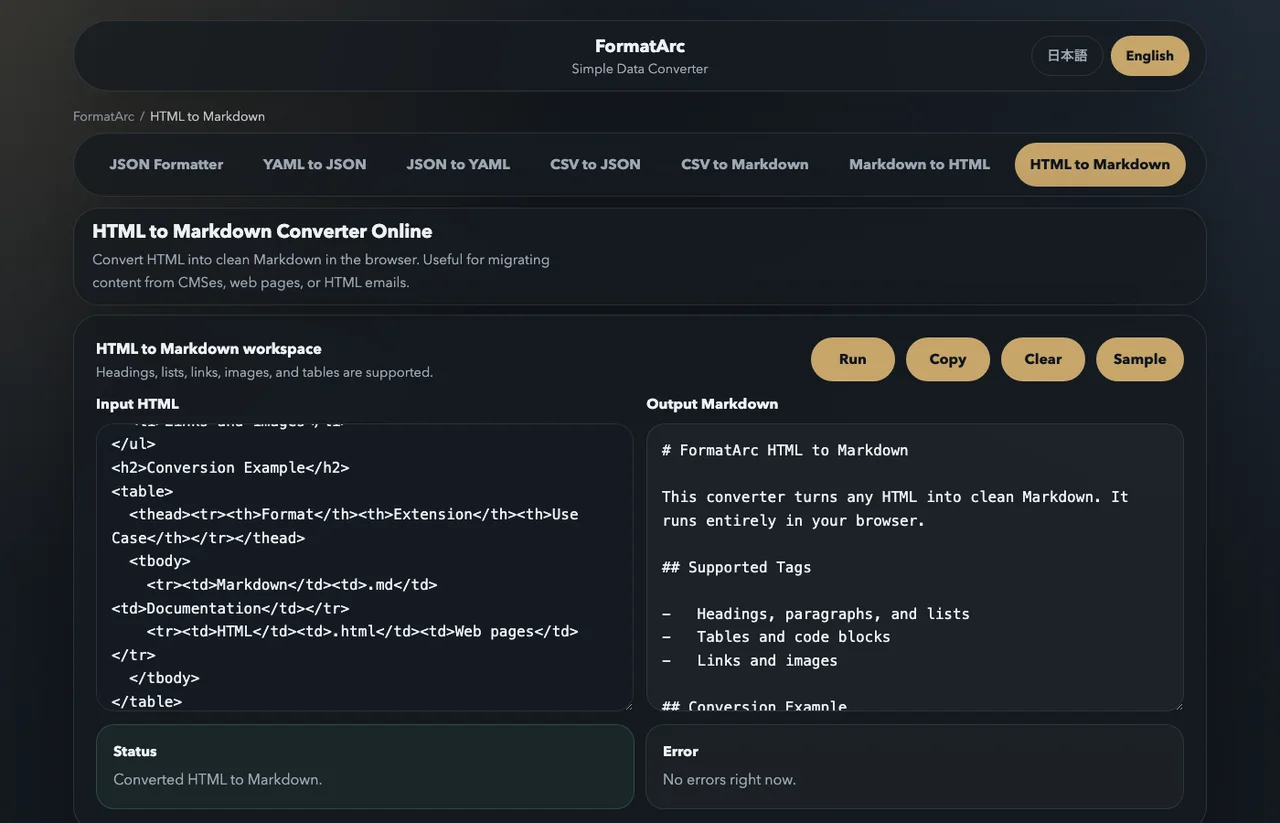
If you are leaving Medium right now and just want your posts back as Markdown: the export ZIP contains HTML files, and you can paste each one into HTML to Markdown to get clean Markdown in seconds. The conversion runs entirely in your browser — nothing is uploaded. For the full picture, keep reading.
What each platform hands you on the way out
| Platform | How you get your articles | What you receive |
|---|---|---|
| Dev.to | Posts are Markdown + front matter (editor guideOpens in a new tab); fetch them via the API, e.g. with a community exporterOpens in a new tab | Markdown |
| Hashnode | Bulk export from the dashboard is JSON; any single article is available by appending .md to its URL (official changelogOpens in a new tab) | JSON / Markdown |
| Medium | "Download your informationOpens in a new tab" sends a ZIP with a posts/ folder | HTML (no Markdown export) |
| Qiita (Japan) | API v2Opens in a new tab returns each post's Markdown (body) and HTML (rendered_body) | Markdown + HTML |
| Zenn (Japan) | Articles live as Markdown files in a connected GitHub repositoryOpens in a new tab | Markdown |
Start from what you have, not from where you are going:
- You have Markdown files — skip to rebuilding front matter. The body usually survives as-is.
- You have JSON — extract the Markdown field per post (Hashnode's export keeps the article source inside the JSON; community tools like hashnode-export-to-markdownOpens in a new tab split it into
.mdfiles). - You have HTML — convert it first. That is the Medium case, covered below.
Getting your articles out of Dev.to
Dev.to is the friendliest platform to leave because the editor is Markdown all the way down. Each post carries Jekyll-style front matter with title, published, tags, canonical_url, cover_image, and series (editor guideOpens in a new tab).
The practical export route is the API: generate an API key in your settings, then fetch your own articles, which include the Markdown source. Community scripts such as Dev.to-exporterOpens in a new tab wrap this into one command and save each post as a local .md file. From there, any Markdown-based destination (Hashnode's bulk importer, a static site generator, Zenn) can take them with only front matter edits.
Getting your articles out of Hashnode
Hashnode gives you two doors:
- The dashboard export downloads all posts as a single JSON file. Tools like hashnode-export-to-markdownOpens in a new tab convert that JSON into individual Markdown files with front matter.
- Since June 2026, every article is also readable as raw Markdown by adding
.mdto its URL, or by requesting the normal URL with anAccept: text/markdownheader (official changelogOpens in a new tab). For a handful of posts, this is the fastest path — no dashboard, no converter.
Going the other way, Hashnode's import pageOpens in a new tab accepts a ZIP of .md files through its bulk Markdown importer, which makes it a convenient destination for archives exported from anywhere else.
Getting your articles out of Medium
Medium is the platform that does not speak Markdown on the way out. "Download your informationOpens in a new tab" delivers a ZIP whose posts/ folder contains one HTML file per story. There is no Markdown option, and embeds or image layouts are not guaranteed to survive conversion untouched — plan a review pass.
You have two ways to turn those HTML files into Markdown:
- CLI tools such as mediumexporterOpens in a new tab or medium-2-mdOpens in a new tab batch-convert the export.
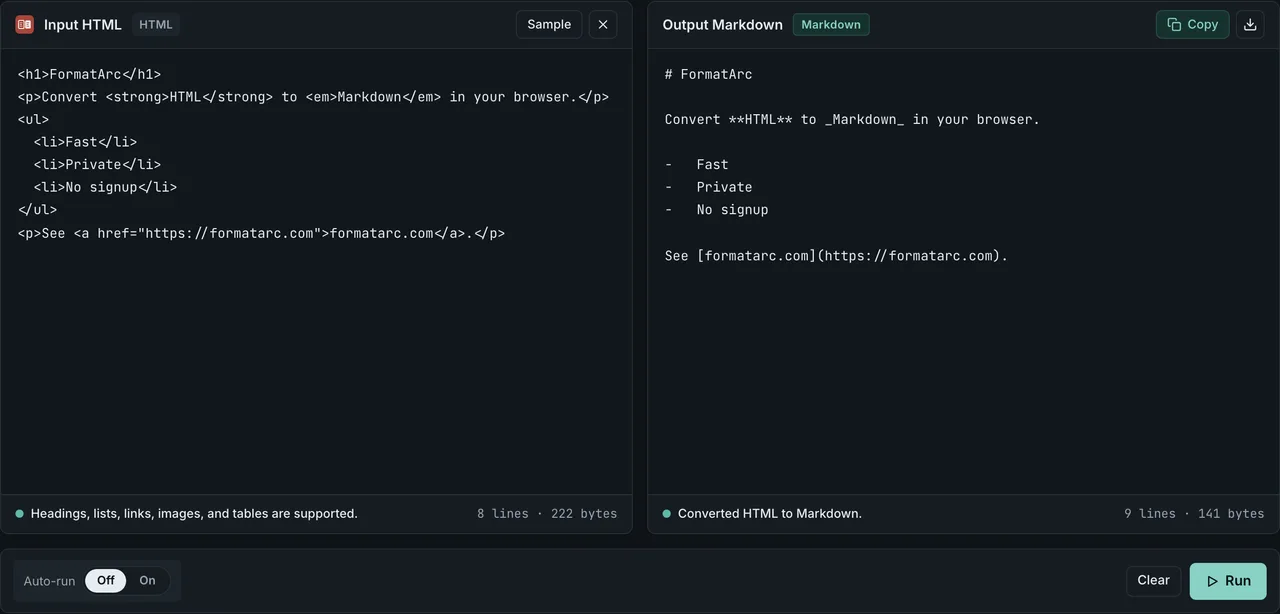
- For a handful of posts — or if you would rather not install anything — open an HTML file, copy its contents, and paste into HTML to Markdown. The conversion happens in your browser, so drafts and unlisted stories never leave your machine. A snippet like this:
<h2>Setup</h2>
<p>Run <code>npm install</code> before anything else.</p>
comes out as:
## Setup

Run `npm install` before anything else.
As a destination, Medium still works: its "Import a story" feature pulls a post from a URL and sets the canonical link to the original for you (described in this cross-publishing write-upOpens in a new tab).
Rebuilding front matter on the destination
Markdown bodies travel well; metadata does not. Each platform wants its own header. For Dev.to, a minimal front matter block looks like this (editor guideOpens in a new tab):
---
title: "My migrated post"
published: true
tags: markdown, migration
canonical_url: "https://yourblog.com/my-post/"
cover_image: "https://yourblog.com/images/cover.png"
---
When you assemble front matter from an export, carry over three things at minimum: the title, the original publication date (if the destination supports it), and the canonical URL. Everything else — tags, series, cover images — is worth a manual pass anyway, because tag vocabularies rarely match between platforms.
Canonical URLs: cross-posting without duplicate-content pain
If the same article lives on two platforms, tell search engines which copy is the original. Dev.to has the canonical_url front matter field (editor guideOpens in a new tab); Hashnode exposes an original-article URL setting via its publish flow and API; Medium's import tool sets the canonical link automatically when you import from a URL (both covered in this write-upOpens in a new tab). Pick one home for each article and point every republication at it — migrations are the moment this is cheapest to fix, because you are touching every post anyway.
Images and code blocks after the move
Two chores remain after the Markdown itself is in place:
- Images in exported posts usually still point at the old platform's CDN. The article renders today, but the files sit outside your control. Download them and re-upload to the destination (or your own storage), then rewrite the URLs.
- Code blocks survive as fenced blocks, but syntax-highlighting dialects differ between platforms. Before publishing, paste the converted Markdown into Markdown to HTML to check the rendered output in your browser — broken tables and collapsed code fences show up immediately.
One safety note: migration archives often contain unlisted posts and private drafts. Before feeding a whole archive to an upload-based converter site, it is worth reading how online converters handle your data. Browser-side tools avoid the question entirely. The same workflow applies to cleaning up Notion HTML exports.
Qiita and Zenn: Japan's two big developer platforms
Japan's developer-writing scene runs mostly on Qiita and Zenn, and both are notably migration-friendly. Qiita's API v2Opens in a new tab returns every post's Markdown source (body) alongside rendered HTML (rendered_body). Zenn manages articles as plain Markdown files in a GitHub repository, and its front matter supports a published_at field that preserves original publication dates when you migrate — documented in the Zenn CLI guideOpens in a new tab. If your archive includes Japanese posts, the same four-step flow applies: export, normalize syntax, rebuild front matter, fix images.
Frequently asked questions
What is the fastest way to get one article out of each platform?
Dev.to: open the post in the editor and copy the Markdown. Hashnode: add .md to the article URL. Medium: request the export ZIP, or copy the story's HTML and convert it in HTML to Markdown.
Does Dev.to have a one-click full export?
The dependable route is the API: your articles, including Markdown source, are available with an API key, and community exporters turn that into a folder of .md files in one command.
Will I lose my publication dates?
The Markdown itself carries no dates — front matter does. Whether the destination honors an original date depends on the platform; Zenn, for example, explicitly supports backdating via published_at for migrations (Zenn CLI guideOpens in a new tab). Record original dates from the export before you convert anything.
Is it safe to run my whole archive through an online converter?
Exports routinely include drafts and unlisted posts. Prefer tools that run locally or in the browser without uploading — and see our guide to online converter safety for what to check before pasting sensitive content anywhere.
Wrap-up
A platform migration is really a format migration: Markdown from Dev.to, JSON from Hashnode, HTML from Medium. Extract what the platform gives you, convert HTML remnants in your browser with HTML to Markdown, rebuild front matter for the destination, verify the rendering with Markdown to HTML, and set canonical URLs while you are at it. Both tools are free and never upload your content.