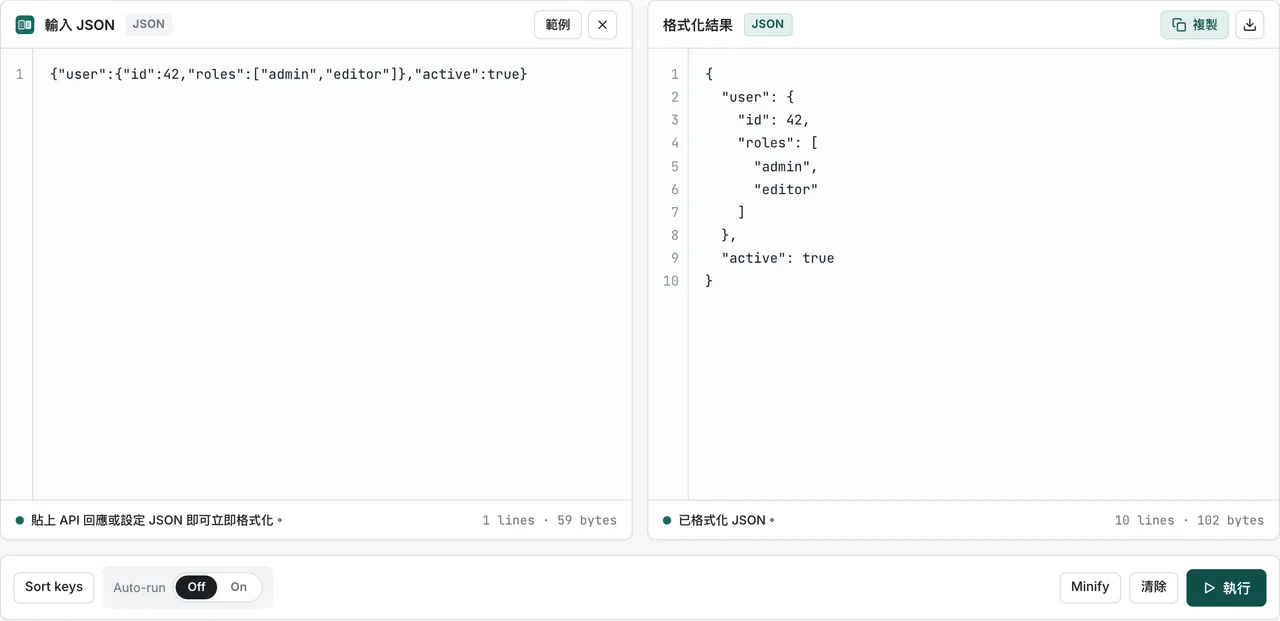
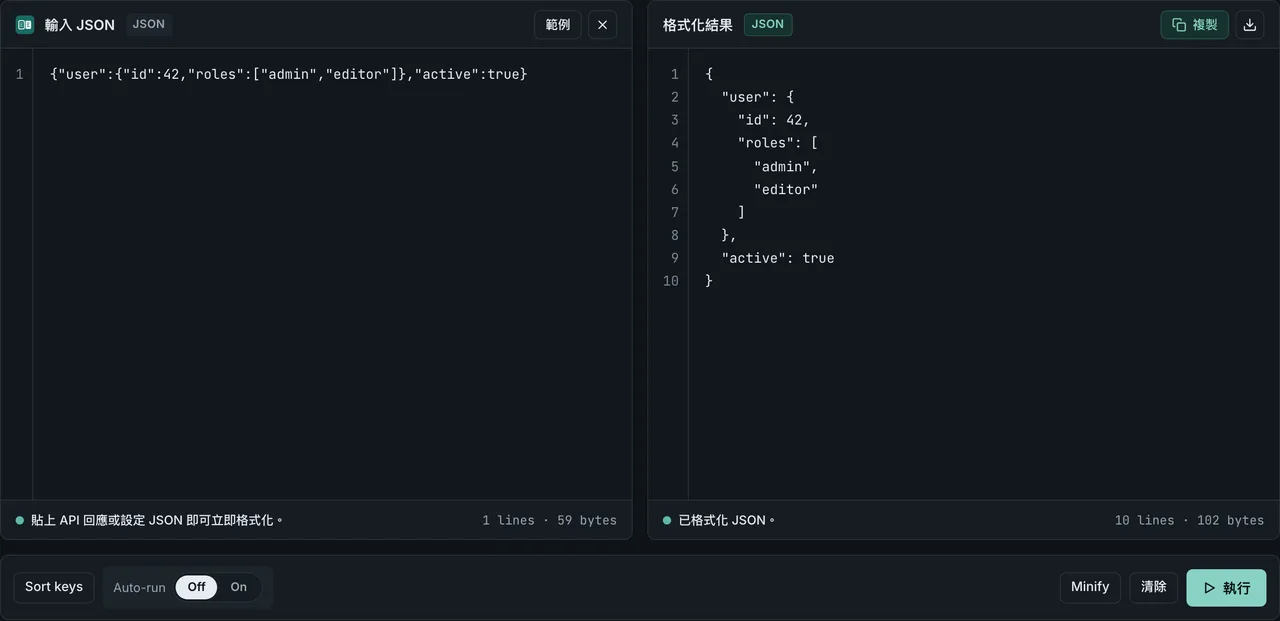
FormatArc 的資料轉換功能現在提供為 npm 套件。你不需要打開瀏覽器,就能在終端機或 Node.js 程式中直接執行 JSON 格式化、YAML 與 CSV 轉換、Markdown 與 HTML 互轉。
這篇文章介紹 CLI 工具的用法,以及將 formatarc 作為 API 匯入 Node.js 專案的方式。
如果你只是需要快速轉換一次資料,可以打開瀏覽器的 JSON 格式化器 直接貼上資料就能看到結果,不需註冊,資料也不會離開瀏覽器。
安裝
用 npx 立即執行(免安裝)
如果只是偶爾轉換或快速測試,用 npx 最方便。不用另外安裝套件,一行指令就能跑。
npx formatarc json-format '{"name":"FormatArc","version":1}'
全域安裝
如果你經常在終端機使用,全域安裝可以省掉 npx 每次啟動的等待時間。
npm install -g formatarc
安裝完成後,直接執行 formatarc 指令:
formatarc json-format '{"name":"FormatArc","version":1}'
加入專案依賴
如果要作為 Node.js 專案的依賴套件,在程式碼中當 API 呼叫:
npm install formatarc
支援的轉換工具
命令共有 12 個,與 FormatArc 網頁版使用相同的轉換邏輯。PDF 於 0.3.0 加入,Qiita / Zenn 相容性檢查於 0.4.0 加入(npm 上的版本紀錄在新分頁中開啟)。
| 工具名稱 | 說明 |
|---|---|
json-format | JSON 格式化(Pretty-print)與語法驗證 |
yaml-to-json | YAML 轉換為 JSON |
json-to-yaml | JSON 轉換為 YAML |
csv-to-json | CSV 轉換為 JSON(需要標題列) |
json-to-csv | JSON 轉換為 CSV(巢狀的鍵展開為 address.city 形式) |
csv-to-markdown | CSV 轉換為 Markdown 表格(GFM 格式) |
markdown-to-csv | Markdown 表格轉換為 CSV |
markdown-to-html | Markdown 轉換為 HTML |
html-to-markdown | HTML 轉換為 Markdown |
pdf-to-markdown | 把含有文字的 PDF 內文擷取為 Markdown |
qiita-to-zenn | 檢查 Qiita 文章在 Zenn 上的相容性 |
zenn-to-qiita | 檢查 Zenn 文章在 Qiita 上的相容性 |
qiita-to-zenn 與 zenn-to-qiita 會把轉換結果寫到標準輸出,把記法差異的報告寫到標準錯誤。只要還有無法自動解決的差異就以結束碼 1 結束,因此可以放進 CI 當作發布前的檢查。
CLI 使用方式
CLI 的基本指令結構如下:
formatarc <工具名稱> [輸入資料]
輸入資料有 3 種傳入方式。
1. 直接用參數傳入
最簡單的方式是將字串直接作為參數傳入。
formatarc json-format '{"name":"FormatArc","tools":["json","yaml","csv"]}'
輸出結果:
{
  "name": "FormatArc",
  "tools": [
    "json",
    "yaml",
    "csv"
  ]
}
2. 指定檔案路徑
傳入檔案路徑後,formatarc 會讀取檔案內容並執行轉換。
formatarc yaml-to-json config.yaml
這在轉換設定檔案或整合到 CI/CD 部署流水線時特別實用。
3. 用 pipe 從標準輸入傳入
利用 pipe 運算子(|),把前一個指令的輸出傳給 formatarc 處理。
cat data.csv | formatarc csv-to-json
搭配 curl 使用,可以將 API 回應直接在終端機格式化,不需要另外架設 jq 或 Python 環境(其他格式化方法可參考 curl JSON 格式化的 4 種方法):
curl -s https://api.example.com/data | formatarc json-format
Markdown 與 HTML 工具的使用範例
想把 CSV 資料快速變成 GitHub README 或文件中的 Markdown 表格時,csv-to-markdown 很方便:
cat users.csv | formatarc csv-to-markdown
將 Markdown 文件轉為 HTML,方便貼到不支援 Markdown 的部落格平台或 Email 模板:
cat README.md | formatarc markdown-to-html > README.html
反過來,想把網頁的 HTML 去掉多餘標籤、提煉成乾淨的 Markdown 文字再傳給 LLM 時,用 html-to-markdown:
curl -s https://example.com/article | formatarc html-to-markdown
作為 Node.js API 使用
你可以在 Node.js 程式碼中直接匯入 formatarc,呼叫轉換函數。適合需要自動化轉換流程或整合到內部工具時使用。
convert 函數
convert 接收工具名稱與輸入字串,回傳轉換結果。
import { convert } from "formatarc";

const result = convert("json-format", '{"a":1,"b":2}');
console.log(result.output);
// {
//   "a": 1,
//   "b": 2
// }
回傳值是一個物件,包含 output(轉換結果字串)與 error(錯誤訊息字串)兩個欄位。
const result = convert("json-format", "{invalid json}");
if (result.error) {
  console.error(result.error);
  // JSON parse error: Expected property name or '}' ...
}
發生錯誤時,output 為空字串,error 中存放錯誤原因。成功時 error 為空字串。JSON 常見解析錯誤的原因與修法整理在 JSON 解析錯誤 一文。含註解的 JSONC / JSON5 檔案之處理方式見 JSON 註解。
isValidTool 函數
一個型別保護(Type Guard)函數,用來判斷從使用者輸入或外部變數傳入的字串是否是有效的工具名稱。
import { convert, isValidTool } from "formatarc";

const toolName = process.argv[2];

if (isValidTool(toolName)) {
  const result = convert(toolName, inputData);
  console.log(result.output);
}
使用範例:批次將 YAML 檔案轉換為 JSON
遍歷目錄下的多個 YAML 設定檔案,逐一轉換為 JSON 檔案:
import { convert } from "formatarc";
import { readFileSync, writeFileSync } from "fs";
import { globSync } from "fs";

const files = globSync("configs/*.yaml");

for (const file of files) {
  const yaml = readFileSync(file, "utf-8");
  const result = convert("yaml-to-json", yaml);

  if (result.error) {
    console.error(`${file}: ${result.error}`);
    continue;
  }

  const outPath = file.replace(/\.yaml$/, ".json");
  writeFileSync(outPath, result.output);
  console.log(`${file} → ${outPath}`);
}
在瀏覽器中使用
如果你偏好直覺性的網頁介面,而非在終端機中操作,可以使用 FormatArc 網頁版。所有轉換處理都在瀏覽器內完成,資料不會傳送至任何伺服器。如果想在 Chrome 裡直接格式化 JSON,可以參考 Chrome JSON 工具與擴充功能 7 款實測比較,或試用 FormatArc 自家的 Chrome 擴充功能。
常見問題
formatarc npm 套件可以在離線環境使用嗎?
可以。全域安裝或專案本地安裝後,所有轉換邏輯都在本機執行,不需要連接外部伺服器,離線環境也能正常運作。npx 首次執行時需要下載套件,快取完成後同樣可以離線使用。
npx 與全域安裝,哪種方式比較適合?
偶爾轉換一兩次,或在 CI 環境中不想增加安裝步驟,用 npx formatarc 最方便。如果終端機工作中需要隨時格式化 JSON,或在流水線中反覆呼叫,建議用 npm install -g formatarc 全域安裝,省去 npx 的啟動延遲。
CLI 可以處理大檔案嗎?
可以。只要檔案大小在 Node.js 行程的記憶體限制之內,透過檔案路徑或標準輸入 pipe 都能穩定處理大筆資料。
網頁版與 npm 套件的轉換結果一致嗎?
完全一致。FormatArc 網頁版與 npm 套件共用同一套轉換與驗證核心邏輯,無論是在瀏覽器執行還是終端機執行,結果都相同。
總結
- formatarc npm 套件讓你可以不用瀏覽器,直接在終端機格式化 JSON、轉換 YAML、CSV 與 Markdown
- 用
npx formatarc免安裝立即執行,或用npm install -g formatarc全域安裝當作常備 CLI 工具 - 在 Node.js 專案中匯入
convert函數,作為自動化腳本或內部工具的 API 使用 - 偏好網頁介面的話,可以直接使用 JSON 格式化器 等網頁版工具