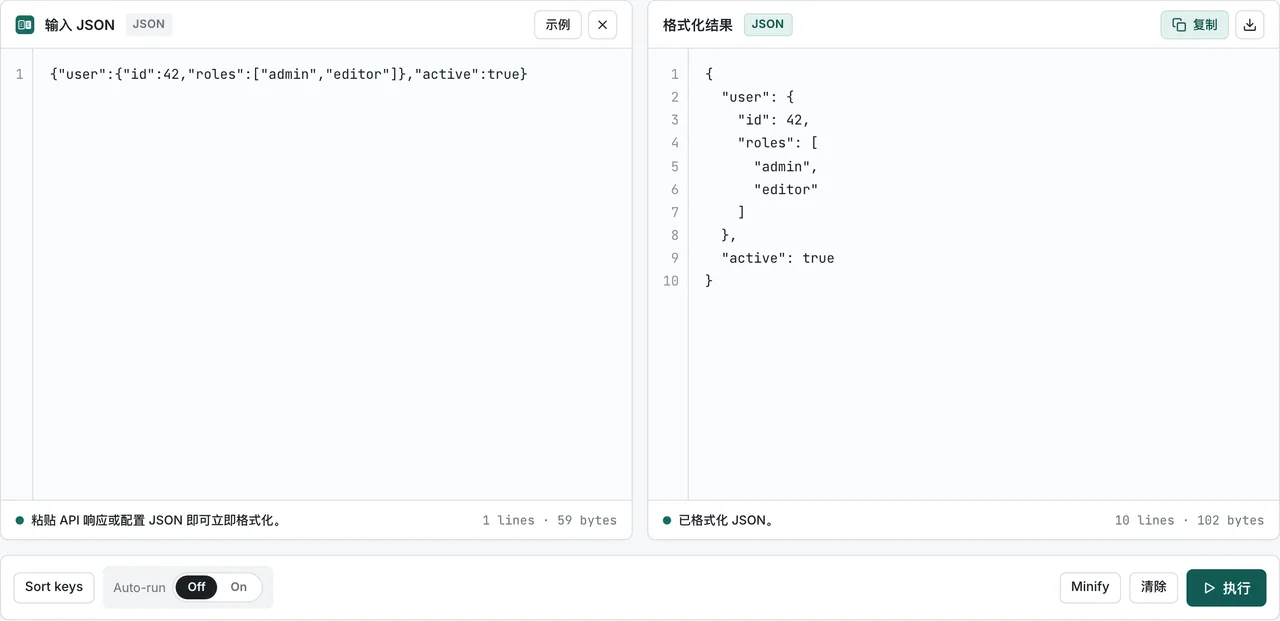
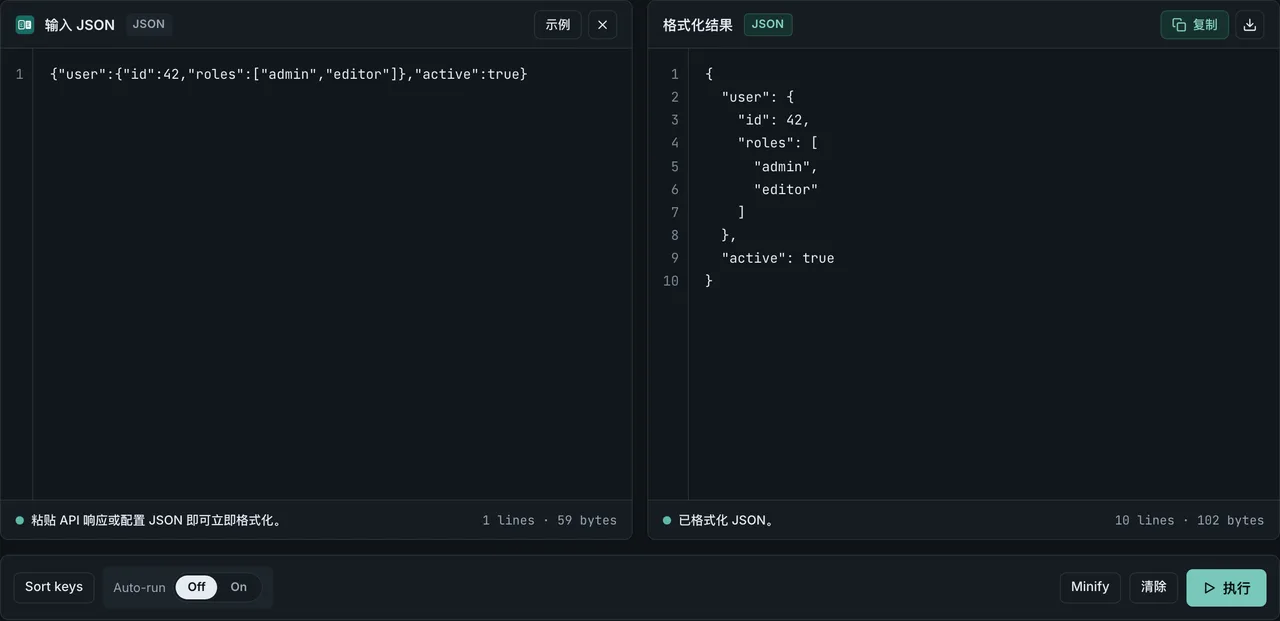
FormatArc 的数据转换功能现在以 npm 包的形式提供。无需打开浏览器,在终端命令行或 Node.js 脚本中即可运行 JSON 格式化、YAML、CSV、Markdown、HTML 转换。
本文将介绍如何以 CLI 工具的形式使用 formatarc,以及如何将其作为 API 集成到项目中。
如果不想打开终端,只想快速转换一次数据,可以直接在浏览器中使用 JSON 格式化器,粘贴数据即可立即得到结果。无需注册,粘贴的数据不会发送到浏览器外部。
安装方法
使用 npx 即时运行(无需安装)
如果只是一次性转换或快速测试,使用 npx 最方便。无需单独安装包,一行命令即可运行。
npx formatarc json-format '{"name":"FormatArc","version":1}'
全局安装
如果你在终端中经常使用,可以全局安装,省去 npx 的启动等待时间。
npm install -g formatarc
安装后可以直接运行 formatarc 命令。
formatarc json-format '{"name":"FormatArc","version":1}'
添加到项目依赖
如果想把它作为 Node.js 项目的依赖包,在代码中以 API 形式调用,使用以下命令安装。
npm install formatarc
支持的转换工具
命令共有 12 个,与 FormatArc 网页版使用相同的转换逻辑。PDF 在 0.3.0 加入,Qiita / Zenn 兼容性检查在 0.4.0 加入(npm 上的版本记录在新标签页中打开)。
| 工具名 | 说明 |
|---|---|
json-format | JSON 格式化(Pretty-print)与语法校验 |
yaml-to-json | YAML 转换为 JSON |
json-to-yaml | JSON 转换为 YAML |
csv-to-json | CSV 转换为 JSON(需要表头行) |
json-to-csv | JSON 转换为 CSV(嵌套的键展开为 address.city 形式) |
csv-to-markdown | CSV 转换为 Markdown 表格(GFM Table) |
markdown-to-csv | Markdown 表格转换为 CSV |
markdown-to-html | Markdown 转换为 HTML |
html-to-markdown | HTML 转换为 Markdown |
pdf-to-markdown | 把含有文字的 PDF 正文提取为 Markdown |
qiita-to-zenn | 检查 Qiita 文章在 Zenn 上的兼容性 |
zenn-to-qiita | 检查 Zenn 文章在 Qiita 上的兼容性 |
qiita-to-zenn 和 zenn-to-qiita 把转换结果写到标准输出,把记法差异的报告写到标准错误。只要还有无法自动解决的差异,就以退出码 1 结束,因此可以放进 CI 作为发布前的检查。
CLI 用法
CLI 的基本命令结构如下。
formatarc <工具名> [输入数据]
输入数据的传递方式有 3 种。
1. 直接以参数传递
最简单的方式是把内联字符串作为参数传入。
formatarc json-format '{"name":"FormatArc","tools":["json","yaml","csv"]}'
输出结果:
{
  "name": "FormatArc",
  "tools": [
    "json",
    "yaml",
    "csv"
  ]
}
2. 指定文件路径
传入文件路径后,formatarc 会读取文件内容并执行转换。
formatarc yaml-to-json config.yaml
在配置文件转换或 CI/CD 部署流水线脚本中集成时非常实用。
3. 通过管道传递标准输入(stdin)
使用管道操作符(|)将前一条命令的输出作为标准输入传入。
cat data.csv | formatarc csv-to-json
与 curl 组合使用,可以将 API 响应在终端中即时格式化。无需单独配置 jq 或 Python 内置工具,一行命令即可格式化 JSON 响应。各方案的对比见 curl JSON 格式化的 4 种方法。
curl -s https://api.example.com/data | formatarc json-format
Markdown 与 HTML 工具的使用示例
想把 CSV 数据快速转成 GitHub README 或文档中的 Markdown 表格,csv-to-markdown 很方便。
cat users.csv | formatarc csv-to-markdown
把 Markdown 文档渲染为 HTML,粘贴到不支持 Markdown 的博客平台或邮件模板中。
cat README.md | formatarc markdown-to-html > README.html
反过来,如果想从网页 HTML 中去除多余标签,提取干净的 Markdown 文本传给 LLM 提示词,可以用 html-to-markdown。
curl -s https://example.com/article | formatarc html-to-markdown
作为 Node.js API 使用
在 Node.js 代码中可以直接 import 转换函数。适合自动化转换流水线或集成到内部工具中。
convert 函数
convert 函数接收工具名和输入字符串,返回转换结果。
import { convert } from "formatarc";

const result = convert("json-format", '{"a":1,"b":2}');
console.log(result.output);
// {
//   "a": 1,
//   "b": 2
// }
返回值是一个包含 output(转换结果字符串)和 error(错误信息字符串)两个字段的对象。
const result = convert("json-format", "{invalid json}");
if (result.error) {
  console.error(result.error);
  // JSON parse error: Expected property name or '}' ...
}
转换出错时 output 为空字符串,error 中包含错误原因。成功时 error 为空字符串。常见 parse 报错的原因与修复方法见 JSON parse 报错排查。包含注释的 JSONC / JSON5 文件的处理方式见 JSON 注释。
isValidTool 函数
用于校验从用户输入或外部变量传入的字符串是否为有效工具名的类型守卫(Type Guard)函数。
import { convert, isValidTool } from "formatarc";

const toolName = process.argv[2];

if (isValidTool(toolName)) {
  const result = convert(toolName, inputData);
  console.log(result.output);
}
使用示例:批量将 YAML 文件转换为 JSON
遍历目录中的多个 YAML 配置文件,批量转换为 JSON 文件的示例。
import { convert } from "formatarc";
import { readFileSync, writeFileSync } from "fs";
import { globSync } from "fs";

const files = globSync("configs/*.yaml");

for (const file of files) {
  const yaml = readFileSync(file, "utf-8");
  const result = convert("yaml-to-json", yaml);

  if (result.error) {
    console.error(`${file}: ${result.error}`);
    continue;
  }

  const outPath = file.replace(/\.yaml$/, ".json");
  writeFileSync(outPath, result.output);
  console.log(`${file} → ${outPath}`);
}
在浏览器中使用
如果不想用 CLI 或写代码,而是想在直观的网页界面上快速转换,可以使用 FormatArc 网页版。所有转换处理都在浏览器内部完成,数据不会发送到任何服务器。
- JSON 格式化器 — JSON 格式化与语法校验
总结
formatarcnpm 包让你无需浏览器即可在终端中转换 JSON、YAML、CSV、Markdown、HTML- 使用
npx formatarc无需安装即可运行,或用npm install -g formatarc全局安装后作为 CLI 命令使用 - 在 Node.js 项目中 import
convert函数,作为脚本或自动化流水线的 API 使用 - 想在浏览器中可视化转换,使用网页版的 JSON 格式化器等工具