How to Add Comments to JSON: JSONC, JSON5, and Practical Workarounds
JSON does not support comments — here is why, and how to work around it. Covers JSONC (VS Code), JSON5, the _comment field pattern, and how to strip comments before parsing.
Does JSON support comments? — the short answer
No. Standard JSON (RFC 8259) does not allow comments anywhere in the document. Any // or /* ... */ in a .json file will cause a strict parser to fail with an "Unexpected token" error.
If you need comments in your JSON, you have four practical options:
- JSONC — JSON with Comments, used by VS Code
- JSON5 — a well-specified superset of JSON that also adds comments, trailing commas, and more
- A workaround field such as
"_comment": "..."that lives inside the JSON itself - Strip the comments before feeding the file to a strict parser
This article walks through each option, explains when to pick which, and shows how to convert a JSON-with-comments file into clean JSON you can use everywhere.
Why the JSON spec does not allow comments
Douglas Crockford, the original designer of JSON, removed comments on purpose. In his own words, people were using comments to embed parsing directives, which broke interoperability. The spec was simplified so that any two JSON parsers would behave identically.
The result is that JSON is:
- Small — the grammar fits on one page
- Unambiguous — every value has exactly one interpretation
- Portable — every language has a built-in parser that behaves the same
The cost is obvious: you cannot annotate a JSON file to explain why a setting exists. That is the tradeoff, and it is also the reason so many tools reach for a superset like JSONC or JSON5.
For the underlying syntax rules, see JSON Syntax Guide.
Option 1: JSONC — JSON with Comments
JSONC is an informal extension invented at Microsoft and used throughout VS Code. It adds two things on top of JSON:
// single-line comments/* multi-line comments */
Everything else is the same as JSON. A JSONC file typically looks like this:
{
  // Which theme VS Code should use at startup
  "workbench.colorTheme": "Default Dark Modern",

  /* Editor settings
     applied to every language */
  "editor.tabSize": 2,
  "editor.formatOnSave": true
}
VS Code's settings.json, tsconfig.json, launch.json, and many Microsoft tools expect JSONC. You will also see it in Deno configs (deno.json) and other developer tooling.
How to parse JSONC
JSONC is not supported by built-in JSON.parse — you need a helper.
Node.js:
// npm install jsonc-parser
import { parse } from "jsonc-parser";
const data = parse(sourceText);
Python:
# pip install jstyleson
import jstyleson
data = jstyleson.loads(source_text)
VS Code itself ships with its own JSONC parser — that is why you can write comments inside settings.json without breaking anything.
Option 2: JSON5 — a cleaner specification
JSON5 (json5.org) is a formally specified superset of JSON that adds several ECMAScript 5 conveniences:
- Single-line and multi-line comments
- Trailing commas in objects and arrays
- Unquoted keys (when they are valid identifiers)
- Single quotes for strings
- Multi-line strings with line continuations
- Hexadecimal numbers, leading and trailing decimal points, and explicit
InfinityandNaN
A JSON5 file can look remarkably relaxed:
{
  // Feature flags for the staging environment
  features: {
    newDashboard: true,
    legacyNotifications: false,
    rateLimitRps: 0xff,
  },
  welcomeMessage: 'Hello, world',
  /* trailing commas are fine */
}
Because JSON5 has an actual specification, libraries for it exist in almost every language: json5 for Node.js, pyjson5 for Python, json5 for Ruby, and so on.
JSONC vs JSON5: which should you use?
They look similar but have different trade-offs.
| JSONC | JSON5 | |
|---|---|---|
| Official spec | No | Yes (spec.json5.org) |
| Comments | Yes | Yes |
| Trailing commas | Sometimes | Yes |
| Unquoted keys | No | Yes |
| Single-quoted strings | No | Yes |
| Ecosystem | Microsoft / VS Code | Independent, npm and others |
A simple rule of thumb:
- If you are editing a Microsoft or VS Code configuration file, you are already using JSONC — keep doing that
- If you are choosing a config format for a new project and want a spec you can point tools at, pick JSON5
- If interoperability with strict JSON parsers is critical, stay on pure JSON and use the workaround field pattern below
Workarounds for strict JSON
If you cannot change the parser — for example, because a third-party service expects plain JSON — you can still leave notes inside the file using ordinary string fields.
Pattern 1: the _comment field
{
  "_comment": "Increase retries before the upstream timeout kicks in",
  "retries": 3,
  "timeout_ms": 5000
}
Underscore-prefixed keys are conventionally ignored by consumers, and most code treats them as ordinary data. This is the simplest workaround.
Pattern 2: sibling keys for per-field comments
{
  "retries": 3,
  "retries_comment": "Any higher and we exceed the upstream timeout",
  "timeout_ms": 5000,
  "timeout_ms_comment": "Matches the load balancer timeout"
}
More verbose but makes it clear which comment belongs to which field.
Pattern 3: outer metadata block
{
  "$meta": {
    "generated_by": "deploy.sh",
    "purpose": "Service configuration for the staging environment"
  },
  "service": {
    "port": 8080,
    "retries": 3
  }
}
A top-level metadata object keeps the payload clean while preserving context.
These workarounds add real data to the file, which means strict parsers still accept them. The downside is that the extra fields become part of the schema and must be documented as such.
Strip comments before using a strict parser
If you have a JSONC or JSON5 file and need to feed it to a strict JSON parser, you have two choices: parse it with a JSONC/JSON5 library and re-serialize as JSON, or strip the comments with a regex.
Quick Node.js example using the json5 package:
// npm install json5
import JSON5 from "json5";
import fs from "node:fs";

const source = fs.readFileSync("config.json5", "utf8");
const data = JSON5.parse(source);
fs.writeFileSync("config.json", JSON.stringify(data, null, 2));
Or a minimal regex approach — fine for files you control, but fragile if strings can contain //:
const stripped = source
  .replace(/\/\/[^\n\r]*/g, "")
  .replace(/\/\*[\s\S]*?\*\//g, "");
const data = JSON.parse(stripped);
The safer path is always to use a real parser.
Format the result with FormatArc
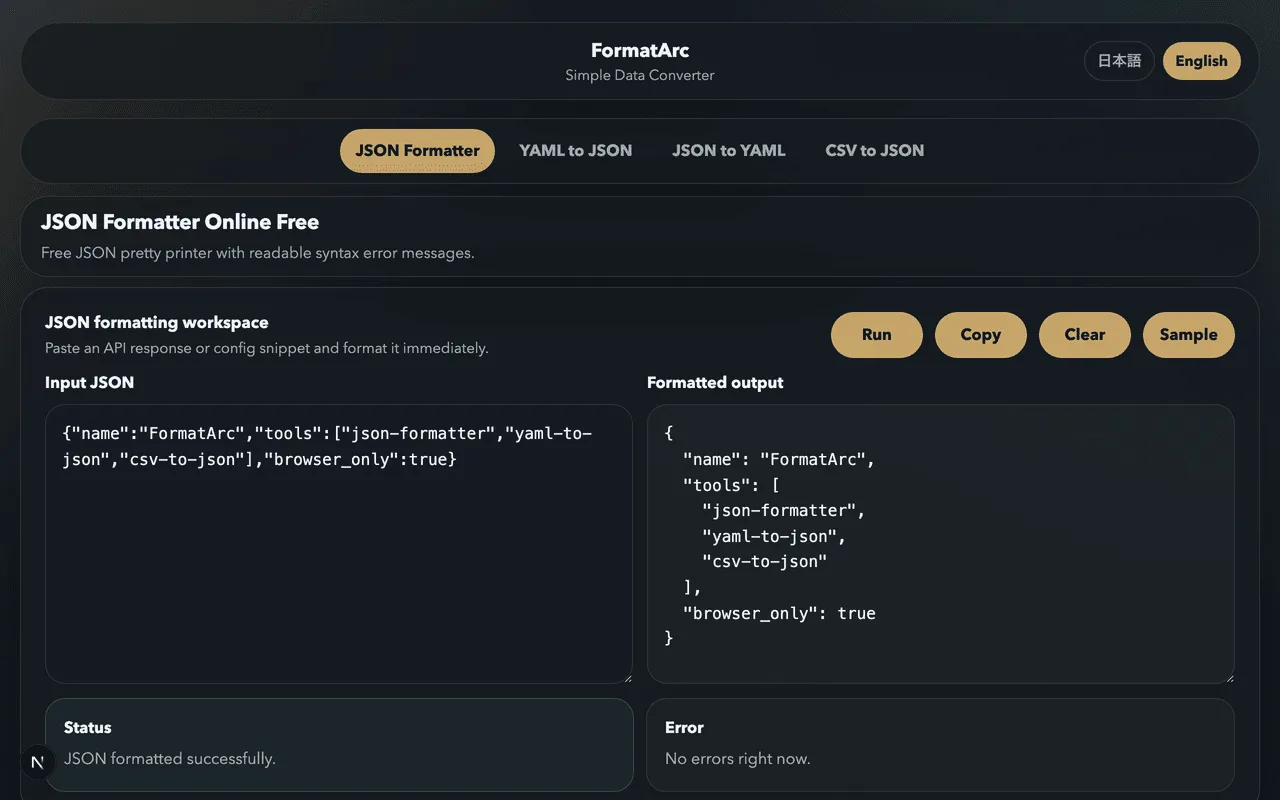
Once you have plain JSON, paste it into FormatArc's JSON Formatter to pretty-print the output and spot any remaining issues. If the parser is still complaining — typically with an "Unexpected token /" error — that error almost always means a comment is still in the file. See How to Fix JSON Parse Errors for the full list of causes.
FormatArc itself uses the built-in JSON.parse, so it will reject JSONC and JSON5 directly. The workflow is:
- Strip comments (or parse with a JSONC/JSON5 library, then stringify)
- Paste the result into FormatArc's JSON Formatter
- Read, verify, or copy the clean JSON
Everything runs in the browser — nothing leaves your machine.
Frequently asked questions
Can I use // or /* comments in a regular .json file?
Not if the file is going to be read by a strict parser such as JSON.parse, json.loads, or encoding/json. The parser will reject the file with an "Unexpected token" error on the first comment. Rename the file to .jsonc and use a JSONC-aware loader, or switch to JSON5.
Why does VS Code let me write comments in settings.json?
VS Code treats settings.json and similar files as JSONC, not strict JSON. Its built-in parser accepts // and /* */ comments. Other editors that use JSON.parse to read the same file will fail unless they also understand JSONC.
Is JSON5 a standard?
JSON5 has a published specification at spec.json5.org, but it is not an IETF or ECMA standard. It is widely supported in developer tooling but is not a replacement for RFC 8259 JSON in APIs or on the wire.
Should I use _comment or switch to JSON5 for my config file?
If the file is read by many different tools — some of which only understand strict JSON — stay on plain JSON and use the _comment pattern. If the file is consumed only by code you control, JSON5 gives you real comments and is less noisy.
Does FormatArc support JSONC or JSON5?
FormatArc's tools use the browser's built-in JSON.parse, which is strict. You will need to remove comments or parse through a JSONC/JSON5 library first, then paste the result into FormatArc's JSON Formatter.
What about YAML?
YAML supports comments natively with #. If you mostly need the comments and can change the format, YAML is often the better choice for configuration files. See YAML vs JSON: Key Differences for the full comparison.
Related reading
- What is JSON? — the basics of the format
- JSON Syntax Guide — the rules strict JSON follows
- How to Fix JSON Parse Errors — when your comments slip past you
- YAML vs JSON: Key Differences — the config-friendly alternative
- YAML Syntax Guide — learn YAML if you need comments and more
Summary
- Standard JSON does not support comments — that is by design
- JSONC adds
//and/* */comments and is used by VS Code - JSON5 is a formal superset with comments, trailing commas, and looser syntax
- If you cannot change the parser, add an
_commentfield or an outer metadata block - After stripping comments, pretty-print the result in FormatArc's JSON Formatter