How to Write JSON: A Complete Syntax Guide
Learn the correct way to write JSON with examples for every data type, nesting patterns, and common mistakes to avoid.
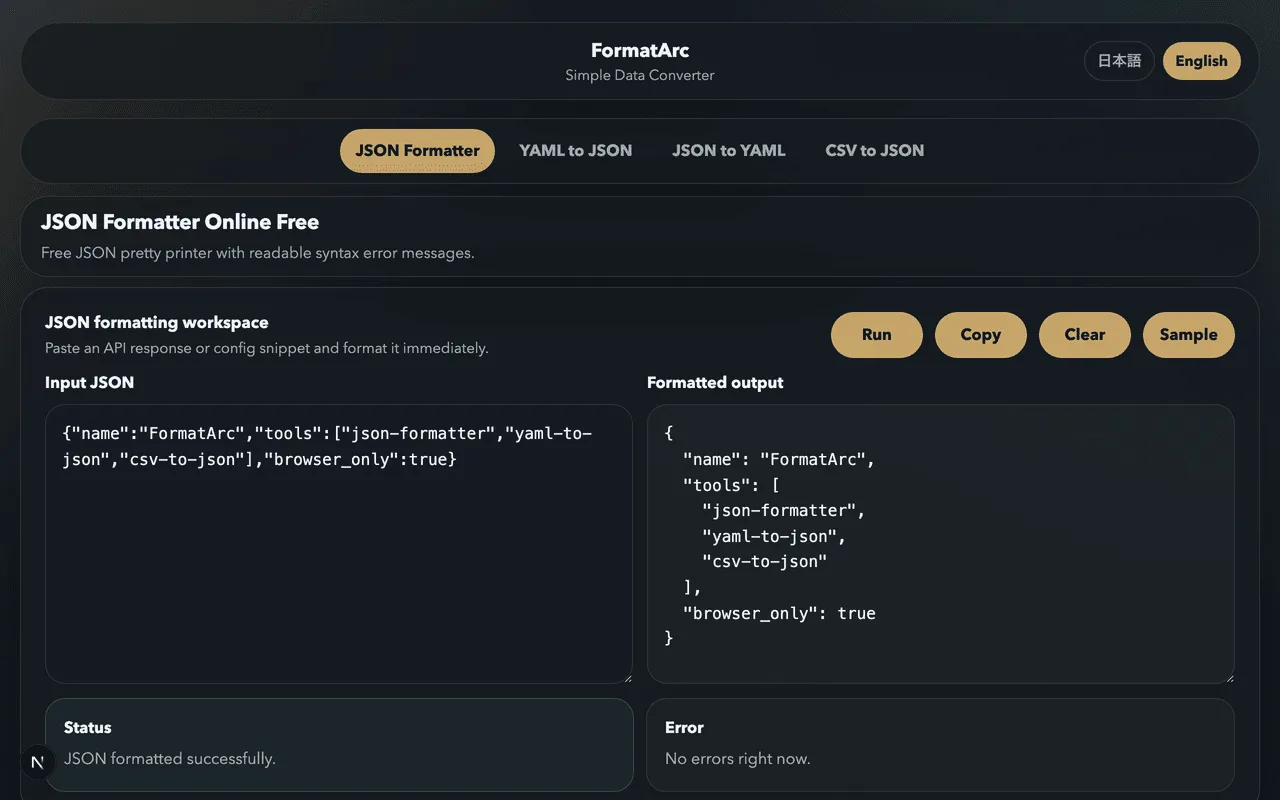
JSON's syntax fits on an index card. There are six data types, two container structures, and a handful of rules. That is genuinely it. But the simplicity is deceptive — people still make mistakes when writing JSON by hand, especially when they are used to the more relaxed rules of JavaScript or Python.
This guide is a complete reference for JSON syntax. Every data type, every rule, plenty of examples. Bookmark it for the next time you need to write or debug JSON manually.
If you are new to JSON entirely, start with What is JSON? A beginner-friendly guide and come back here for the detailed syntax reference.
The root element
A JSON document is a single value. That value is usually an object or an array, but the spec allows any of the six types at the top level.
Valid JSON documents:
{"name": "Alice"}
[1, 2, 3]
"just a string"
42
true
null
In practice, you will almost always see an object or array as the root. APIs return objects, data feeds return arrays of objects, and configuration files are objects.
Strings
Strings are the most common JSON value type, and they have the most rules.
Double quotes are mandatory
JSON strings must be wrapped in double quotes. Not single quotes. Not backticks.
{ "correct": "hello" }
These are all invalid:
{ 'wrong': 'hello' }
{ `wrong`: `hello` }
{ wrong: "hello" }
The last example — an unquoted key — is valid JavaScript but not valid JSON. This is probably the most common mistake people make when writing JSON by hand.
Escape sequences
Certain characters must be escaped with a backslash inside strings:
| Sequence | Meaning |
|---|---|
\" |
Double quote |
\\ |
Backslash |
\/ |
Forward slash |
\b |
Backspace |
\f |
Form feed |
\n |
Newline |
\r |
Carriage return |
\t |
Tab |
\uXXXX |
Unicode character |
Example:
{
  "path": "C:\\Users\\alice\\documents",
  "message": "She said \"hi\"",
  "newline": "Line one\nLine two"
}
Unicode
JSON is encoded in UTF-8 (or UTF-16 or UTF-32, though UTF-8 is dominant). You can include Unicode characters directly or use \u escape sequences:
{
  "direct": "cafe\u0301",
  "emoji": "\u2764",
  "japanese": "東京"
}
Most of the time, you can just type the characters directly. The \u escape is mainly useful when you need to include characters that are difficult to type or that might get corrupted by text encoding issues.
What strings cannot contain
Raw control characters (U+0000 through U+001F) must be escaped. You cannot put a literal tab character or newline inside a JSON string — use \t and \n instead.
Numbers
JSON numbers are straightforward, but there are a few restrictions compared to what JavaScript allows.
Integers
{
  "positive": 42,
  "negative": -17,
  "zero": 0
}
Floating point
{
  "pi": 3.14159,
  "small": 0.001
}
Note that .5 is not valid JSON. You must write 0.5. The leading zero is required.
Scientific notation
{
  "avogadro": 6.022e23,
  "planck": 6.626e-34,
  "explicit": 1.0E+10
}
The e can be uppercase or lowercase. The exponent can have a + or - sign.
What numbers cannot be
- No leading zeros:
007is invalid. Use7. - No hex:
0xFFis invalid. Use255. - No octal:
0o17is invalid. Use15. - No
NaNorInfinity: these are not valid JSON values. If you need to represent them, usenullor a string like"NaN". - No trailing decimal:
42.is invalid. Use42or42.0.
Precision considerations
The JSON spec does not define precision limits for numbers, but in practice, most parsers use IEEE 754 double-precision floating-point. This means integers larger than 2^53 (9,007,199,254,740,992) may lose precision. If you are working with very large integers — like Twitter snowflake IDs — it is common practice to transmit them as strings instead.
{
  "safe": 9007199254740991,
  "asString": "9007199254740993"
}
Booleans
Two values, lowercase:
{
  "active": true,
  "deleted": false
}
Not True, not TRUE, not 1, not "true". Just true and false.
This seems obvious, but it causes errors when people copy values from Python (which uses True and False with capitals) or from YAML (which accepts yes, no, on, off).
Null
One value, lowercase:
{
  "middleName": null
}
Not None (that is Python), not nil (that is Ruby), not undefined (that is JavaScript). JSON has no concept of undefined — if a key has no value, you either set it to null or omit the key entirely.
Objects
Objects are the core structure of JSON. They are unordered collections of key-value pairs.
Basic syntax
{
  "key": "value",
  "anotherKey": 42
}
Rules:
- Curly braces
{}wrap the object - Keys must be strings (double-quoted)
- A colon separates key from value
- Commas separate pairs
- No trailing comma after the last pair
Empty objects
{}
Perfectly valid. Represents an object with no properties.
Nested objects
Objects can contain other objects:
{
  "user": {
    "name": "Alice",
    "address": {
      "street": "123 Main St",
      "city": "Tokyo",
      "country": "Japan"
    }
  }
}
There is no limit on nesting depth in the spec, though deeply nested structures become difficult to read and some parsers impose practical limits.
Key ordering
The JSON spec says objects are unordered. This means {"a": 1, "b": 2} and {"b": 2, "a": 1} are semantically equivalent. In practice, most parsers preserve insertion order, but you should not rely on key ordering.
Duplicate keys
The spec discourages duplicate keys but does not explicitly forbid them. Behavior varies by parser — some take the last value, some take the first, and some throw an error. Avoid duplicate keys.
Arrays
Arrays are ordered lists of values.
Basic syntax
[1, 2, 3, 4, 5]
Rules:
- Square brackets
[]wrap the array - Commas separate values
- No trailing comma after the last value
- Values can be any JSON type
Empty arrays
[]
Mixed-type arrays
JSON allows arrays with mixed types:
[42, "hello", true, null, {"key": "value"}, [1, 2]]
This is valid, but in practice, arrays usually contain values of the same type. An array of objects is the most common pattern.
Arrays of objects
This is the structure you will encounter most often when working with APIs and data feeds:
[
  {
    "id": 1,
    "name": "Alice",
    "email": "alice@example.com"
  },
  {
    "id": 2,
    "name": "Bob",
    "email": "bob@example.com"
  }
]
Each object in the array typically has the same set of keys, forming something like a table where each object is a row.
Nesting patterns
Real-world JSON combines objects and arrays in various ways. Here are the common patterns.
Object containing arrays
{
  "name": "Project Alpha",
  "tags": ["web", "api", "typescript"],
  "contributors": [
    { "name": "Alice", "role": "lead" },
    { "name": "Bob", "role": "developer" }
  ]
}
Array containing nested objects
[
  {
    "department": "Engineering",
    "teams": [
      {
        "name": "Frontend",
        "members": ["Alice", "Bob"]
      },
      {
        "name": "Backend",
        "members": ["Charlie", "Diana"]
      }
    ]
  }
]
Deeply nested structures
{
  "company": {
    "departments": [
      {
        "name": "Engineering",
        "teams": [
          {
            "name": "Frontend",
            "projects": [
              {
                "name": "Dashboard",
                "status": "active",
                "milestones": [
                  { "name": "v1.0", "date": "2026-06-01" }
                ]
              }
            ]
          }
        ]
      }
    ]
  }
}
This is valid but getting hard to read. When you encounter deeply nested JSON, a JSON Formatter helps by applying consistent indentation.
Whitespace
JSON ignores whitespace between tokens. These are all equivalent:
Compact:
{"name":"Alice","age":30}
Readable:
{
  "name": "Alice",
  "age": 30
}
Over-spaced:
{
    "name"  :  "Alice"  ,
    "age"   :  30
}
For transmission and storage, compact JSON saves bandwidth. For reading and editing, indented JSON is far easier to work with. Most tools and libraries let you choose the format.
Common mistakes
These are the errors that come up most often when writing JSON by hand.
Trailing commas
{
  "a": 1,
  "b": 2,
}
That trailing comma after "b": 2 is invalid. JavaScript and many other languages allow it, but JSON does not. This is probably the single most common JSON syntax error.
Single quotes
{'name': 'Alice'}
Invalid. JSON requires double quotes for both keys and string values.
Unquoted keys
{name: "Alice"}
Invalid. Keys must be double-quoted strings.
Comments
{
  // this is not allowed
  "name": "Alice"
}
JSON has no comment syntax. Not //, not /* */, not #. If you need JSON with comments, look into JSONC or JSON5, but be aware that standard JSON parsers will reject them.
Undefined and NaN
{
  "value": undefined,
  "result": NaN
}
Neither undefined nor NaN are valid JSON values. Use null for missing values and a string or null for non-numeric results.
Single value without quotes
hello
A bare unquoted string is not valid JSON. It would need to be "hello".
For more on diagnosing and fixing these errors, see JSON Parse Error solutions.
Validating your JSON
When you write JSON by hand, mistakes happen. A missing comma, an extra quote, a trailing comma — these all cause parse errors that can be frustrating to track down in a large document.
The JSON Formatter will validate your JSON and point out syntax errors. Paste in your JSON, and if there is an error, you will see exactly what went wrong.
You can also validate from the command line:
# Using Python
python3 -m json.tool < file.json

# Using jq
jq . file.json
Both will print formatted JSON on success or an error message on failure.
JSON formatting conventions
While JSON's syntax is fixed, there are conventions that make JSON easier to work with:
- Use 2-space indentation (the most common convention)
- Keep keys in a consistent order across similar objects
- Use camelCase or snake_case for key names, but be consistent
- Avoid deeply nested structures when a flatter design works
For more on these conventions, see JSON formatting tips.
Quick reference
Every valid JSON value falls into one of these categories:
| Type | Example | Notes |
|---|---|---|
| String | "hello" |
Double quotes required |
| Number | 42, 3.14, 1e10 |
No hex, no leading zeros |
| Boolean | true, false |
Lowercase only |
| Null | null |
Lowercase only |
| Object | {"key": "value"} |
Keys must be strings |
| Array | [1, 2, 3] |
Ordered, mixed types allowed |
That is the entire language. Everything you will ever see in a JSON document is some combination of these six types.
Next steps
- Try the JSON Formatter to validate and format your JSON
- Read about JSON Parse Error solutions when you encounter syntax errors
- Check out JSON formatting tips for conventions and best practices
- Go back to What is JSON for a broader overview of the format and where it is used