YAMLJSONcomparison
YAML vs JSON: Understanding the Differences
A developer-friendly comparison of YAML and JSON covering syntax, use cases, and things to watch out for when converting between them.
Both are data serialization formats
YAML (YAML Ain't Markup Language) and JSON (JavaScript Object Notation) are text-based formats for representing structured data. They share the same data model but differ in syntax and design goals.
Key differences
Syntax style
- JSON — Uses braces
{}and brackets[]for nesting. Strict and machine-friendly. - YAML — Uses indentation for nesting. Designed to be human-readable.
Comments
- JSON — No comment support
- YAML — Supports comments with
#
Typical use cases
| Use case | Common format |
|---|---|
| API responses | JSON |
| Config files (Kubernetes, GitHub Actions) | YAML |
| Data storage and exchange | JSON |
| Hand-edited configuration | YAML |
Things to watch when converting
When converting from YAML to JSON, keep these points in mind:
- Comments are lost — JSON has no comment syntax, so YAML comments disappear during conversion
- Type coercion — YAML may interpret
yes/noas booleans. In JSON, these becometrue/false - Multi-document — YAML supports multiple documents separated by
---, but JSON is a single structure
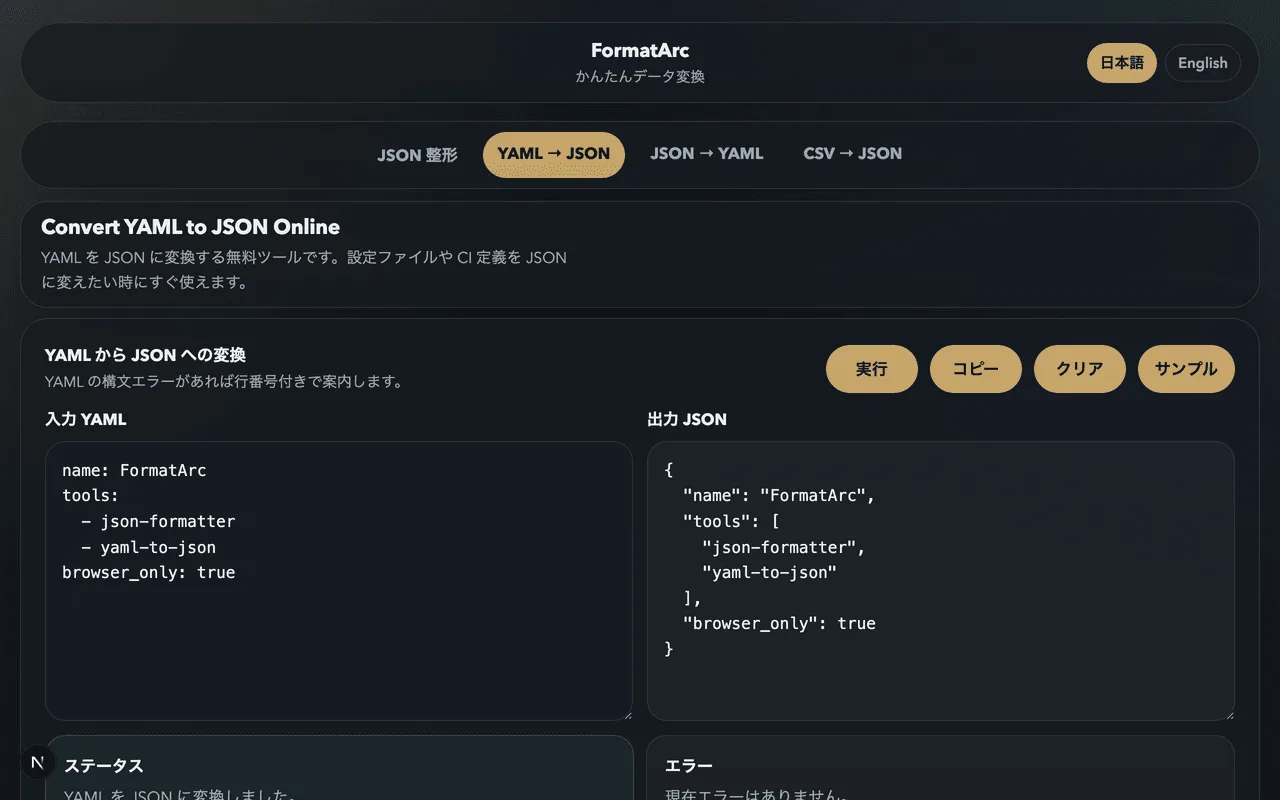
Convert with FormatArc
FormatArc's YAML to JSON tool converts instantly in the browser. Syntax errors are shown with line numbers for easy debugging.
Summary
- JSON leans toward machines, YAML leans toward humans
- Watch for comment loss and type coercion during conversion
- FormatArc handles the conversion safely in the browser